API Keys & Tokens
When to use an Access Key vs. a Personal Access Token, how to create each, and how to rotate and revoke them safely.
Dynamiq has two kinds of API credentials, and they are not interchangeable. Access Keys belong to an Organization and exist to call deployed resources — Apps, inference endpoints, knowledge bases, and services. Personal Access Tokens belong to a user and exist to manage the platform through the management API, acting with your exact permissions.
Which credential do I need?
| You are calling… | Use | Why |
|---|---|---|
A deployed App endpoint (https://<your-app-hostname>) | Access Key | Production integrations should not impersonate a person; keys belong to the org and can be project-scoped. |
| The AI Gateway | Access Key | Same — backend services invoking deployed resources. |
The management API (https://api.getdynamiq.ai/v1/...) — projects, workflows, apps, triggers, traces, datasets… | Personal Access Token | The token acts as you, with your org membership, project access, and roles, exactly as if you were logged in. |
Both are sent the same way:
Authorization: Bearer <credential>You can tell them apart by prefix: Access Keys start with dynamiq_acc_, Personal Access Tokens start with dyn_pat_. (Tokens created before the rename to Personal Access Tokens start with uak_; they still authenticate.)
Both credentials are displayed exactly once, at creation. Dynamiq stores only a one-way fingerprint (a SHA-512 hash) and a short preview (dynamiq_acc_XXX...XXX); a lost secret cannot be recovered — only replaced.
Access Keys
An Access Key is an Organization credential. Its scope is one of:
- Organization-wide — valid for deployed resources in all projects of the org.
- Project-scoped — restricted to a single project. The project must belong to the same organization.
Keys are 64 random characters after the dynamiq_acc_ prefix, optionally expire at a date you set, and record who created them.
Any member of the organization can create, list, and delete its Access Keys; you don't need an admin or owner role. Requests for an org you are not a member of return 403.
Create an Access Key in the UI
Open the Access Keys tab
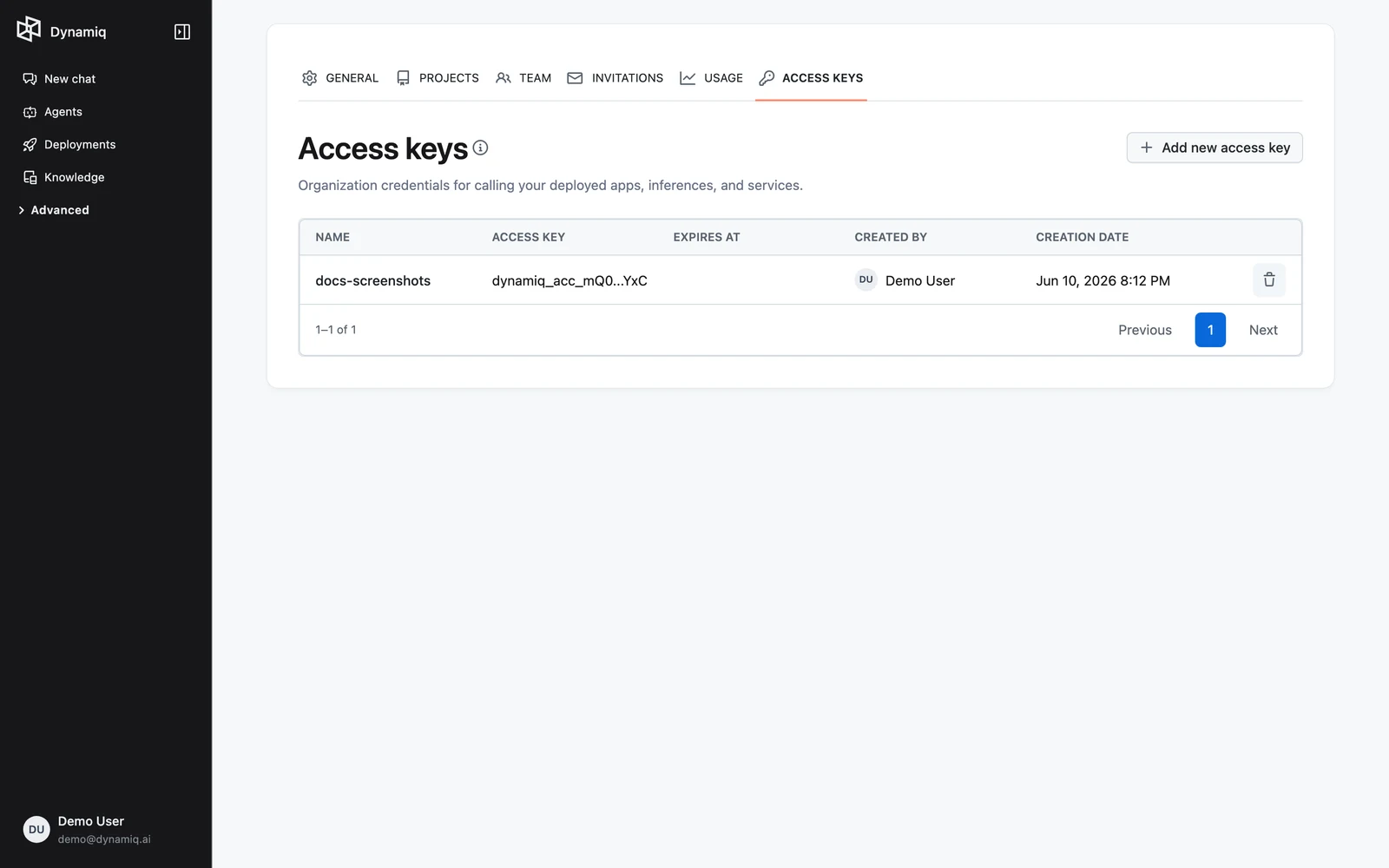
Go to your Organization's Settings and open the Access Keys tab, then click Add new access key.
Scope and expiry
Fill in the Name, pick a Project — either Organization-wide (all projects) or a specific project — and optionally set Expires at. Click Create.
Save the key
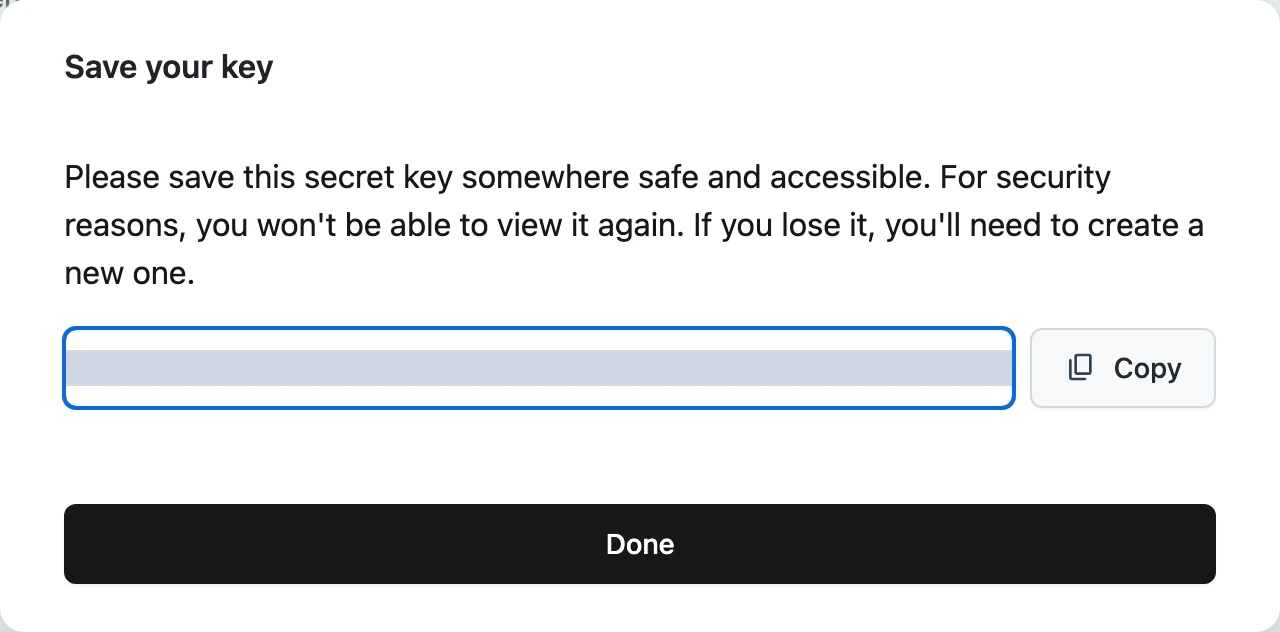
The Save your key dialog shows the full secret once. Click Copy and store it in your secret manager — you won't be able to view it again.
The table lists each key's Name, the Access Key preview, Expires at, Created by, and Creation date, with a delete action.
Access Keys via the API
All /v1/... management endpoints on this page authenticate with a Personal Access Token, not an Access Key. To bootstrap automation, create your first PAT in the UI once, then create everything else via the API.
| Method | Path | Purpose |
|---|---|---|
GET | /v1/access-keys?org_id={org_id} | List keys in an org (org_id is required) |
POST | /v1/access-keys | Create a key — the response includes the full secret, once |
GET | /v1/access-keys/{access_key_id} | Get a key's metadata |
DELETE | /v1/access-keys/{access_key_id} | Revoke a key immediately |
The list endpoint is paginated: pass page and page_size (default 25, max 500) as query parameters.
Create payload:
namestringrequiredorg_idstring (UUID)requiredproject_idstring (UUID)expires_atstring (RFC 3339)A successful create returns 200 OK (not 201) with the key object plus a key field holding the full secret. Errors to handle:
400with codeproject_not_found—project_iddoes not belong toorg_id.400— validation failure, e.g.expires_atis not in the future ornamedoesn't match the allowed pattern.401— missing, invalid, or expired Personal Access Token.403— your user is not a member oforg_id.
For example, create a project-scoped key — note that you authenticate to the management API with a Personal Access Token, not an Access Key:
curl -X POST "https://api.getdynamiq.ai/v1/access-keys" \
  -H "Authorization: Bearer $DYNAMIQ_PAT" \
  -H "Content-Type: application/json" \
  -d '{
    "name": "prod-backend",
    "org_id": "'$ORG_ID'",
    "project_id": "'$PROJECT_ID'",
    "expires_at": "2026-12-31T00:00:00Z"
  }'
import os
import requests
resp = requests.post(
"https://api.getdynamiq.ai/v1/access-keys",
headers={"Authorization": f"Bearer {os.environ['DYNAMIQ_PAT']}"},
json={
"name": "prod-backend",
"org_id": os.environ["ORG_ID"],
"project_id": os.environ["PROJECT_ID"],
"expires_at": "2026-12-31T00:00:00Z",
},
)
resp.raise_for_status()
created = resp.json()["data"]
print(created["key"]) # shown only in this response — store it nowconst res = await fetch('https://api.getdynamiq.ai/v1/access-keys', {
method: 'POST',
headers: {
Authorization: `Bearer ${process.env.DYNAMIQ_PAT}`,
'Content-Type': 'application/json',
},
body: JSON.stringify({
name: 'prod-backend',
org_id: process.env.ORG_ID,
project_id: process.env.PROJECT_ID,
expires_at: '2026-12-31T00:00:00Z',
}),
});
const { data } = await res.json();
console.log(data.key); // shown only in this response — store it nowThen call your deployed App with it:
curl -X POST "https://<your-app-hostname>" \
  -H "Authorization: Bearer $DYNAMIQ_ACCESS_KEY" \
  -H "Content-Type: application/json" \
  -d '{"input": "Hello"}'
See Call Your App over HTTP for the full invocation contract.
Personal Access Tokens
A Personal Access Token (PAT) is a user credential for the management API. It inherits your permissions — org membership, project access, and roles — exactly as if you were logged in, which makes it ideal for scripts, CLI tools, and automation that manage projects, workflows, datasets, and other platform resources. You can only create and list your own tokens, and only while signed in as yourself — an Access Key cannot manage PATs. Expired tokens stop authenticating automatically.
Create a PAT in the UI
Add the token
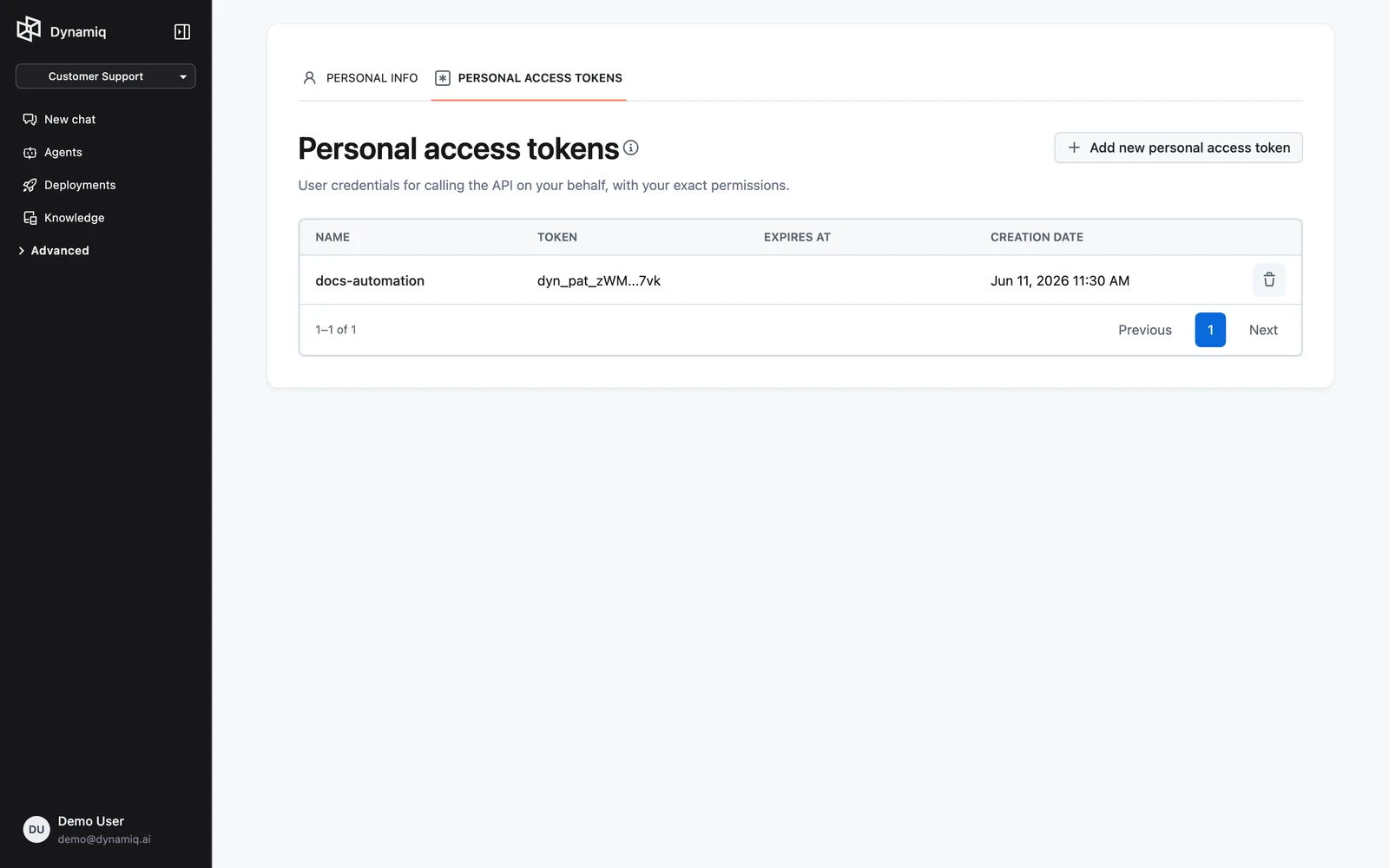
Click Add new personal access token, enter a Name and an optional Expires at date, then click Create.
Save the token
The full dyn_pat_... secret is shown once. Copy it and store it securely.
PATs via the API
| Method | Path | Purpose |
|---|---|---|
GET | /v1/personal-access-tokens | List your tokens |
POST | /v1/personal-access-tokens | Create a token — the full secret is in the response, once |
GET | /v1/personal-access-tokens/{personal_access_token_id} | Get token metadata |
DELETE | /v1/personal-access-tokens/{personal_access_token_id} | Revoke immediately |
The create payload takes just name (required, same pattern as Access Key names) and an optional future expires_at. The response is 200 OK with the token metadata plus a key field holding the full secret — read it from this response, it is never returned again. The list endpoint takes the same page/page_size parameters as Access Keys. Calls authenticated with anything other than a user (for example, an Access Key) return 403.
Rotation and revocation
There is no in-place "rotate" operation — rotation is create-then-delete, with zero downtime:
- Create a new credential with the same scope.
- Deploy the new secret to your services.
DELETEthe old credential. Revocation takes effect immediately — the next request with the old secret is rejected.
Recommendations:
- Set Expires at on every credential so forgotten keys age out on their own.
- Prefer project-scoped Access Keys over organization-wide ones; one key per consuming service keeps revocation surgical.
- Never embed either credential in client-side code; both are bearer secrets — anyone who holds the secret can use it.