Tracing to Dynamiq
Send traces from open-source SDK workflows to the Dynamiq platform with DynamiqTracingCallbackHandler and view them under Gateway → Tracing.
Workflows you run with the open-source SDK can report their full execution tree — workflow, flow, and every node with inputs, outputs, timings, token usage, and errors — to the Dynamiq platform. Attach a DynamiqTracingCallbackHandler to the run and the trace appears in the UI under Gateway → TRACING, the same trace explorer used for platform runs.
How it works
DynamiqTracingCallbackHandler (in dynamiq.callbacks) extends the local TracingCallbackHandler with a DynamiqTracingClient that ships the recorded runs to the platform's trace collector:
- The handler records a
Runentry for the workflow, each flow, and each node, including inputs, outputs, status (succeeded,failed,skipped,canceled), errors with tracebacks, and LLM usage data. - When the workflow ends (successfully, with an error, or canceled), the handler flushes all runs in one batch.
- The client sends
POST /v1/tracestohttps://collector.getdynamiq.ai(the defaultbase_url) with a{"runs": [...]}JSON body and your key as aAuthorization: Bearerheader. - Delivery failures are logged, never raised — tracing cannot break your workflow.
Authentication
The client resolves its credential in this order:
- The
access_keyconstructor argument. - The
DYNAMIQ_ACCESS_KEYenvironment variable. - The
DYNAMIQ_SERVICE_TOKENenvironment variable.
If none is set, the handler raises ValueError: No API key provided at construction time.
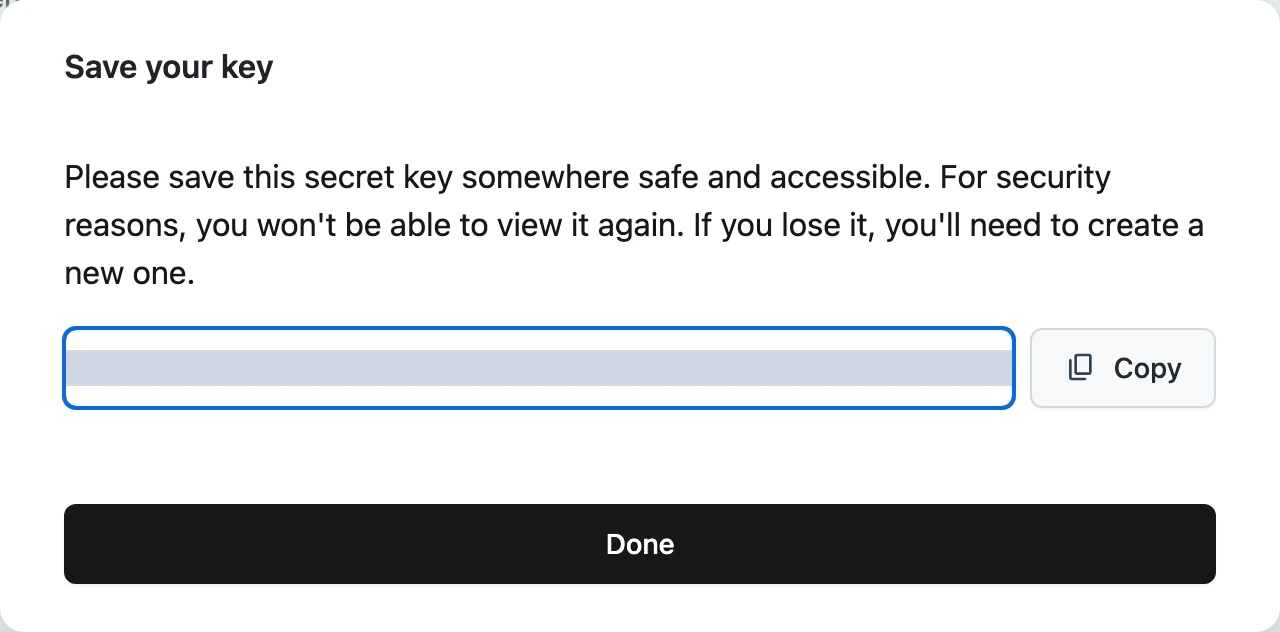
Use a project-scoped Access Key: the collector attributes incoming traces to the key's project, and rejects keys without a project scope. Create one under your project's Access Keys settings.
Full example
A complete script: an agent workflow that runs locally with your own OpenAI key and reports its trace to your Dynamiq project.
import os

from dynamiq import Workflow
from dynamiq.callbacks import DynamiqTracingCallbackHandler
from dynamiq.connections import OpenAI as OpenAIConnection
from dynamiq.flows import Flow
from dynamiq.nodes.agents import Agent
from dynamiq.nodes.llms import OpenAI
from dynamiq.runnables import RunnableConfig


def main():
    llm = OpenAI(
        connection=OpenAIConnection(api_key=os.getenv("OPENAI_API_KEY")),
        model="gpt-4o-mini",
        temperature=0.4,
    )
    agent = Agent(
        name="Simple Agent",
        llm=llm,
        role="You are a helpful assistant.",
    )
    workflow = Workflow(id="simple-workflow", flow=Flow(nodes=[agent]))

    tracing_handler = DynamiqTracingCallbackHandler(
        access_key=os.environ["DYNAMIQ_ACCESS_KEY"],  # project-scoped Access Key
    )

    result = workflow.run(
        input_data={"input": "Hello, how are you?"},
        config=RunnableConfig(callbacks=[tracing_handler]),
    )
    print("Result:", result.output)


if __name__ == "__main__":
    main()
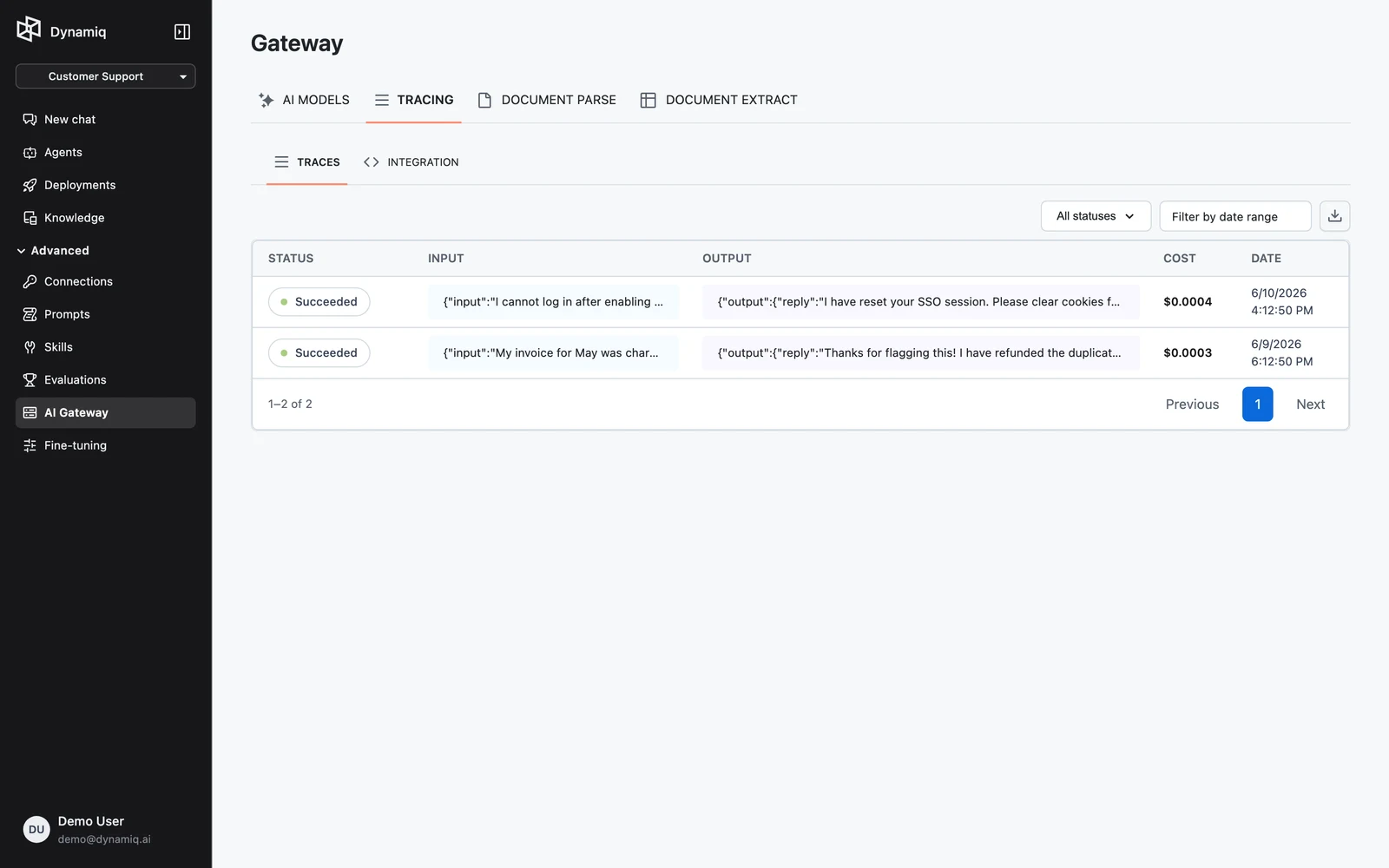
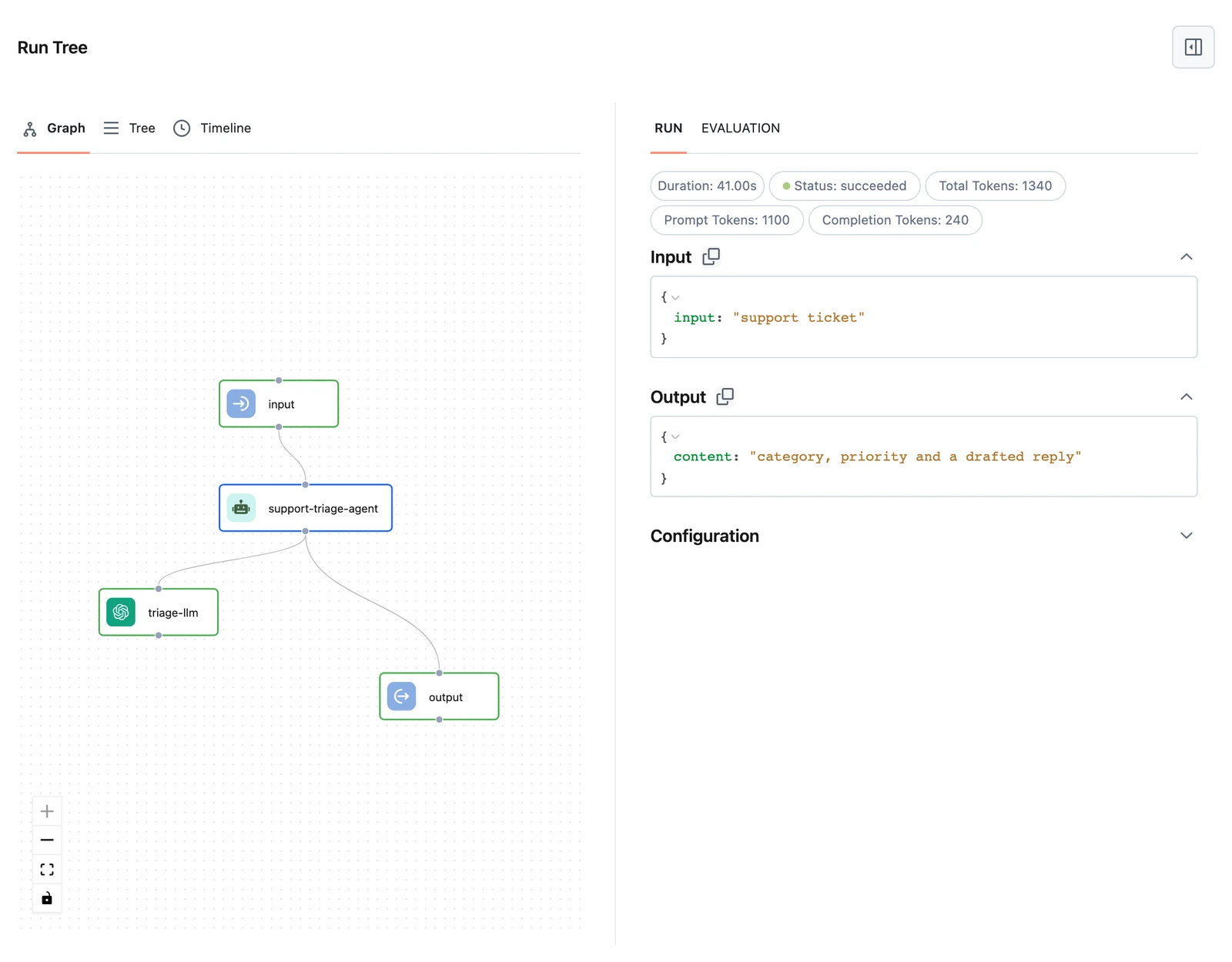
Run it, then open Gateway → TRACING in the platform. The TRACES tab lists incoming SDK traces; click one to open the run tree with per-node inputs, outputs, timings, and LLM token usage. The INTEGRATION tab shows a copy-ready version of this same snippet.
Handler options
access_keystringbase_urlstringtrace_idstringsession_idstringsource_idstringtagslist[string]metadatadictCorrelating runs across requests:
import os
import uuid

from dynamiq.callbacks import DynamiqTracingCallbackHandler

session_id = str(uuid.uuid4())  # reuse across turns of one conversation

handler = DynamiqTracingCallbackHandler(
    access_key=os.environ["DYNAMIQ_ACCESS_KEY"],
    session_id=session_id,
    tags=["staging", "agent-coder"],
    metadata={"customer_id": "acme-42"},
)
Create a fresh handler per workflow run — it accumulates run state internally.
When traces are sent
The handler flushes its buffered runs to the collector when the top-level run finishes: on on_workflow_end, on_workflow_error, and on cancellation. Nothing is streamed mid-run, so a process that is killed before the workflow completes sends no trace. In async code the HTTP call is offloaded to a thread-pool executor so your event loop is never blocked, and asyncio.run() waits for the delivery thread on shutdown.
Next steps
Prompts & Messages
Build Prompt and Message objects with Jinja templating, send images and files with VisionMessage, and attach tools and response schemas.
YAML Workflows
Define workflows in YAML, load them with WorkflowYAMLLoader, dump them back with WorkflowYAMLDumper, and resolve $type/$id requirements.