OAuth Connections
Connect Google, Dropbox, Microsoft, Box, and Notion with an OAuth consent flow — authorize, automatic token refresh, scopes, and expiry handling.
Most Connections store an API key you paste in. OAuth Connections work differently: instead of a key, they store an access token granted by the provider after you click through its consent screen. Dynamiq then keeps that token fresh in the background, so workflow nodes can call the provider on your behalf without you ever handling raw credentials.
Supported providers
The Type dropdown on the Connections page offers these OAuth types:
| UI label | Connection type | Default scopes |
|---|---|---|
dynamiq.connections.GoogleOAuth2 | userinfo.email, userinfo.profile, drive.readonly | |
| Dropbox | dynamiq.connections.DropboxOAuth2 | account_info.read, files.metadata.read, files.content.read |
| Microsoft | dynamiq.connections.MicrosoftOAuth2 | User.Read, Files.Read.All, Sites.Read.All |
| Box | dynamiq.connections.BoxOAuth2 | root_readwrite |
| Notion | dynamiq.connections.NotionOAuth2 | — (none) |
The API additionally accepts dynamiq.connections.GitHubOAuth2 and the generic dynamiq.connections.OAuth2 type for any OAuth 2.0 provider; these are not in the UI type picker.
OAuth Connections are project-scoped and shared by every workflow in the project. They are not the same as Chat Connectors (each user links their own account for Chat) or end-user connection requirements (each end user of a deployed App authorizes their own account). Use an OAuth Connection when the whole project should act through one shared account.
The connection lifecycle
OAuth Connections have one extra step compared to API-key Connections. A new OAuth Connection is created with status incomplete; it only becomes active after you complete the provider's consent flow:
- Create — pick the type, name it, adjust scopes. Status:
incomplete. - Authorize — Dynamiq opens the provider's consent page; you grant access. Dynamiq exchanges the authorization code for tokens and stores them. Status:
active. - Refresh — a background job runs every minute and refreshes any token that is within 5 minutes of expiring, using the provider's refresh token.
- Expire — if a token passes its expiry and could not be refreshed (for example, you revoked access in the provider's security settings), a status job marks the Connection
expired. Re-open it and authorize again to recover.
Authorize in the UI
Create the Connection
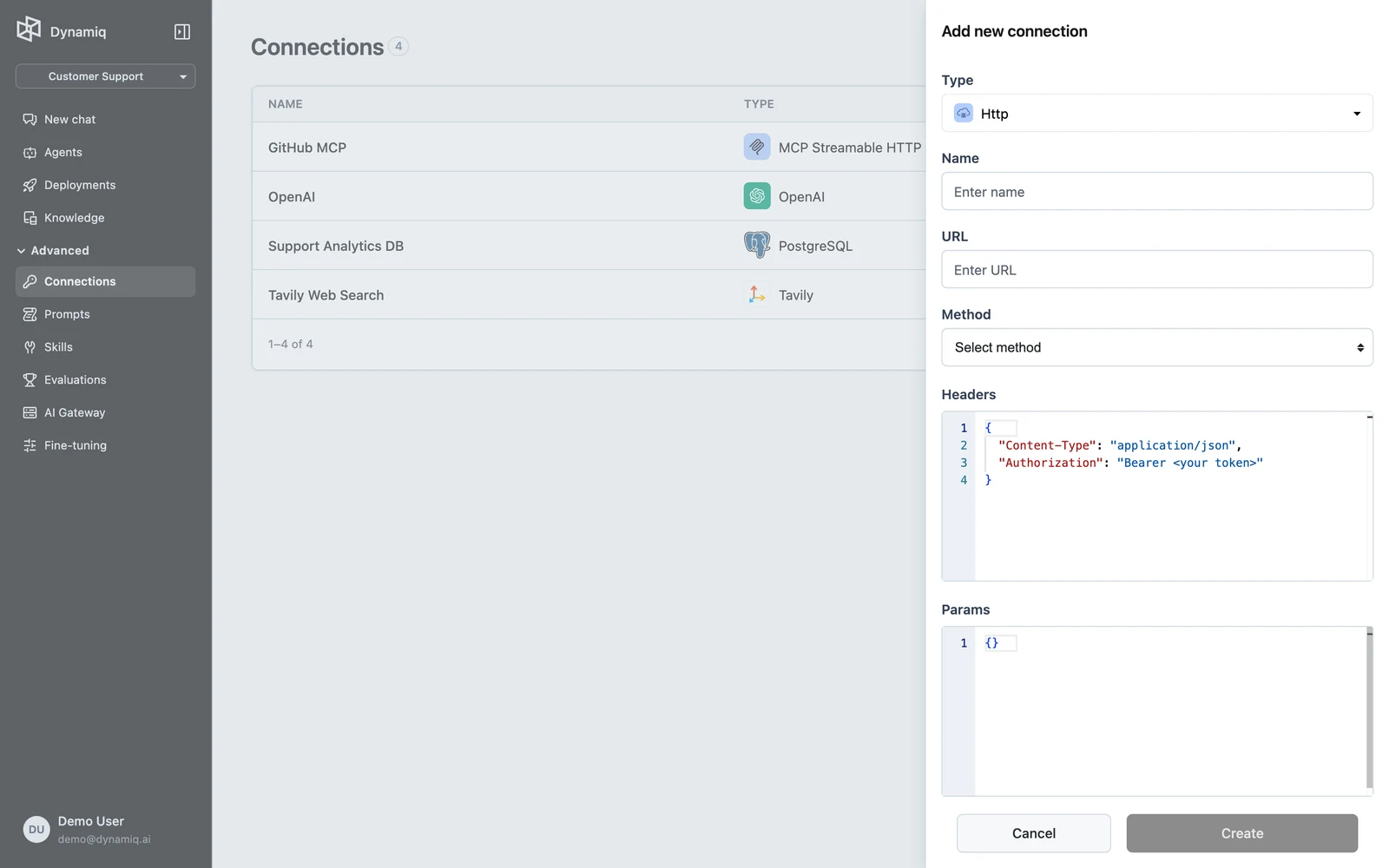
On the Connections page, click Add new connection, pick the provider (for example Google) from the Type dropdown, and enter a Name. The config section shows the default scopes for the provider — trim or extend them before creating; the consent screen will request exactly these scopes.
Click Authorize
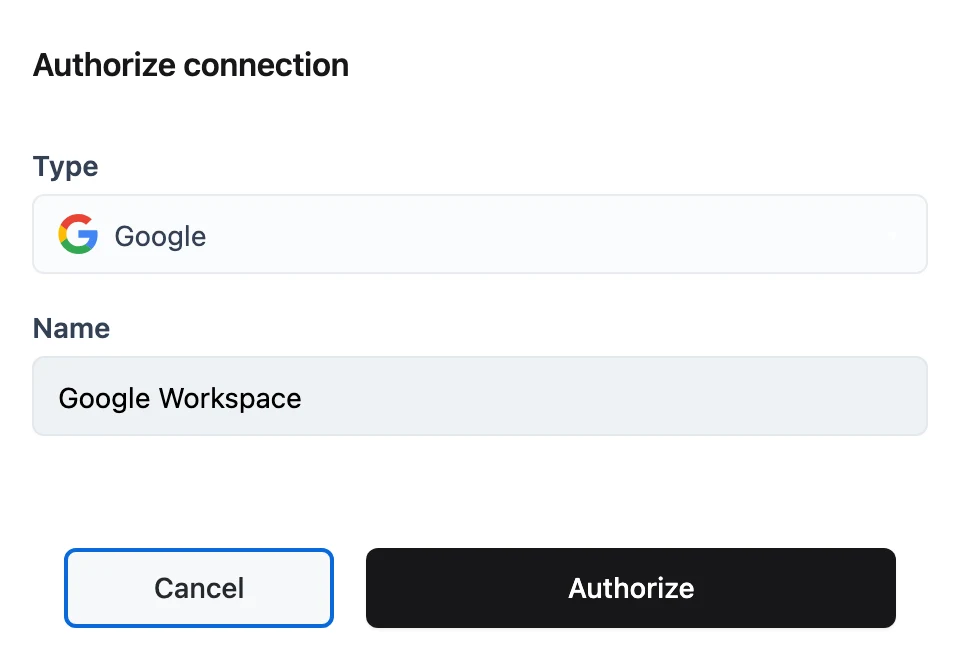
After Create, the panel switches to Authorize connection with an Authorize button (the config fields are locked at this point). Click Authorize — the provider's consent page opens in a new tab.
Grant access
Sign in and approve the requested scopes on the provider's page. Dynamiq's callback page confirms success; back in the app, the Connection's status flips to active and a "Connection has been authorized" notification appears.
A Connection that is already active doesn't show the Authorize button. If it later becomes expired, open it from the list — the Authorize button is back, and re-authorizing restores it to active.
Authorize via the API
The same flow is available on the management API. Create the Connection with the scopes you need, then request an authorization URL and complete the consent there:
# 1. Create the connection (status: incomplete)
curl -X POST "https://api.getdynamiq.ai/v1/connections" \
  -H "Authorization: Bearer $DYNAMIQ_PAT" \
  -H "Content-Type: application/json" \
  -d '{
    "name": "google-drive-shared",
    "project_id": "'"$DYNAMIQ_PROJECT_ID"'",
    "type": "dynamiq.connections.GoogleOAuth2",
    "config": {
      "scopes": [
        "https://www.googleapis.com/auth/userinfo.email",
        "https://www.googleapis.com/auth/drive.readonly"
      ]
    }
  }'

# 2. Get the consent URL (use the id from step 1)
curl -X POST "https://api.getdynamiq.ai/v1/connections/$CONNECTION_ID/oauth2/authorize" \
  -H "Authorization: Bearer $DYNAMIQ_PAT"
import os
import requests
API = "https://api.getdynamiq.ai"
headers = {"Authorization": f"Bearer {os.environ['DYNAMIQ_PAT']}"}
# 1. Create the connection (status: incomplete)
connection = requests.post(
f"{API}/v1/connections",
headers=headers,
json={
"name": "google-drive-shared",
"project_id": os.environ["DYNAMIQ_PROJECT_ID"],
"type": "dynamiq.connections.GoogleOAuth2",
"config": {
"scopes": [
"https://www.googleapis.com/auth/userinfo.email",
"https://www.googleapis.com/auth/drive.readonly",
]
},
},
).json()["data"]
# 2. Get the consent URL and open it in a browser
authorize = requests.post(
f"{API}/v1/connections/{connection['id']}/oauth2/authorize",
headers=headers,
).json()["data"]
print("Open this URL and grant access:", authorize["url"])The authorize endpoint returns {"data": {"url": "..."}}. After you grant access, the provider redirects to Dynamiq's public callback endpoint (GET /v1/connections/oauth2/callback), which validates the state parameter against the Connection (CSRF protection), exchanges the code for tokens, stores them, and marks the Connection active. Poll GET /v1/connections/{connection_id} until status is active.
Token storage and security
- Access and refresh tokens are stored server-side with the Connection. When you read a Connection back through the API, the token and OAuth state are stripped from the response.
- Tokens refresh automatically: every minute, a platform job refreshes any active OAuth Connection whose token expires within 5 minutes.
- There is no separate "revoke" action. Deleting the Connection (
DELETE /v1/connections/{connection_id}, or the delete action in the list) removes the stored tokens; to invalidate the grant itself, also revoke the app's access from the provider's security settings. An existing Connection whose grant was revoked ends upexpired.
Generic OAuth 2.0 providers
For providers without a dedicated type, create a Connection of type dynamiq.connections.OAuth2 and supply the provider's endpoints in config.oauth2_config:
client_idstringrequiredclient_secretstringauthorization_endpointstringrequiredtoken_endpointstringrequiredredirect_uristringuserinfo_endpointstringAlternatively, register the client once as a reusable OAuth2 client (POST /v1/oauth2-clients) and reference it when creating Connections via the oauth2_client_id field — useful when many Connections share one app registration, including bringing your own Google/Microsoft/etc. app instead of Dynamiq's built-in one.
Troubleshooting
Next steps
Create a Connection
Add credentials for LLM providers, databases, vector stores, MCP servers, and more — in the UI or through the API.
Parameterized Connections
Http and HttpApiKey Connections carry default request parameters — URL, method, headers, query params, body — that nodes and run input extend or override at request time.