Evaluations Overview
Measure the quality of your workflows with metrics, datasets, and evaluation runs — before and after you deploy.
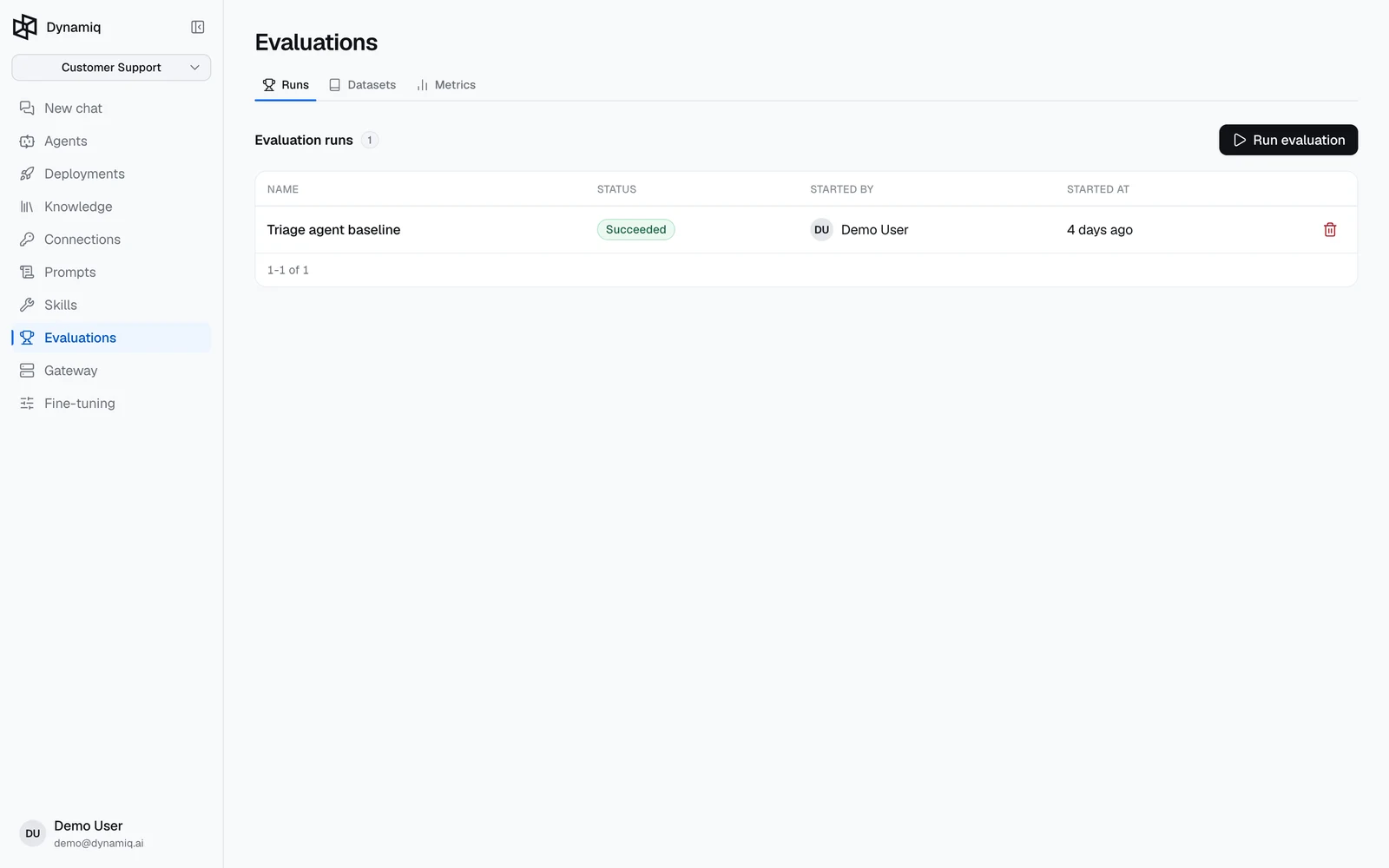
Evaluations let you score the outputs of your workflows against test data, so quality changes are measured instead of guessed. The feature lives in your project under Evaluations and is built from three pieces you compose: Metrics define how to score, Datasets define what to score against, and Evaluation Runs put them together and produce results.
The building blocks
| Piece | What it is | Where it lives |
|---|---|---|
| Metric | A scoring function — an LLM judge with a rubric, a predefined evaluator, or your own Python code | Metrics tab |
| Dataset | A versioned table of test items (questions, expected answers, contexts, traces…) | Datasets tab |
| Evaluation Run | One execution that scores a dataset version with one or more metrics, optionally running each row through a workflow first | Runs tab |
A typical loop:
- Build a Metric — for example an LLM-as-a-judge with a hallucination rubric, or the predefined
AnswerCorrectnessevaluator. - Assemble a Dataset of test items and Release a version. Items can be typed in, uploaded as JSON, or captured from production traces with one click.
- Start an Evaluation Run that maps dataset fields (and workflow outputs) into the metric inputs, then read the per-row scores in the results table.
Why evaluate
- Before deploying — run a candidate workflow version against a released dataset and compare its scores with the version currently in production. Released dataset versions are immutable, so the comparison is apples to apples.
- After deploying — online evaluations score a sample of an App's live traffic continuously, and production traces can be added to a dataset from the trace view, turning real user interactions into test cases. Datasets captured from traces are scored in Dataset only mode without re-running anything.
- While iterating on prompts and agents — metrics are versioned, and every evaluation run pins the exact metric and workflow versions it used, so reruns reproduce the same configuration.
Run statuses
An evaluation run moves through pending → running → succeeded, failed, or canceled. Results appear per row in the run's results table, and you can download the full result set as JSON once the run is no longer running.
Online evaluations
The evaluations above are batch: you score a fixed dataset on demand. An online evaluation instead attaches a metric to a deployed App and scores a sampled share of its live traces automatically. Set it up on the App's Evaluations tab: pick a metric and version, a Sample rate (the percentage of traces to score), and an Input path (the JSONPath that pulls the metric's input out of each trace), then read per-trace scores in the evaluator's runs. See Online Evaluations.
API surface
Everything in this section is also available on the management API:
POST /v1/metrics,GET /v1/metrics,POST /v1/metrics/test— manage and test metrics.POST /v1/datasets,POST /v1/datasets/{dataset_id}/versions,POST /v1/dataset-items/from-trace— manage datasets, versions, and items.POST /v1/evaluations,GET /v1/evaluations/{evaluation_id}/results,POST /v1/evaluations/{evaluation_id}/rerun— start runs and read results.
Each page in this section documents its endpoints next to the UI walkthrough.
Next steps
Metrics
LLM-as-a-judge, predefined evaluators, and Python code metrics.
Datasets
Versioned test data: draft, release, fork, and create items from traces.
Evaluation Runs
Score a dataset with your metrics, with or without running a workflow.
Online Evaluations
Score a deployed App's live traffic from its Evaluations tab.