Overview
Knowledge Bases are managed RAG: an ingestion workflow, vector storage, and a retrieval endpoint your agents can query as a tool.
A Knowledge Base turns your documents into searchable context for agents and workflows. It bundles everything a retrieval-augmented generation (RAG) setup needs — file conversion, chunking, embedding, vector storage, and a search endpoint — into one managed resource, so you don't have to assemble and operate that pipeline yourself.
What a Knowledge Base is
Every Knowledge Base consists of three parts:
- An ingestion workflow — a real Dynamiq Workflow that converts incoming files to documents, splits them into chunks, embeds the chunks, and writes the vectors to storage. You can inspect and customize it on the Knowledge Base's Workflow tab.
- Vector storage — where the embedded chunks live. By default Dynamiq provisions managed storage for you (backed by Weaviate); you can instead point the Knowledge Base at your own vector store connection.
- A retrieval endpoint — each Knowledge Base gets its own hostname. A
POST /v1/documents/searchrequest against that hostname embeds your query with the same embedder used at ingestion time and returns the most relevant chunks.
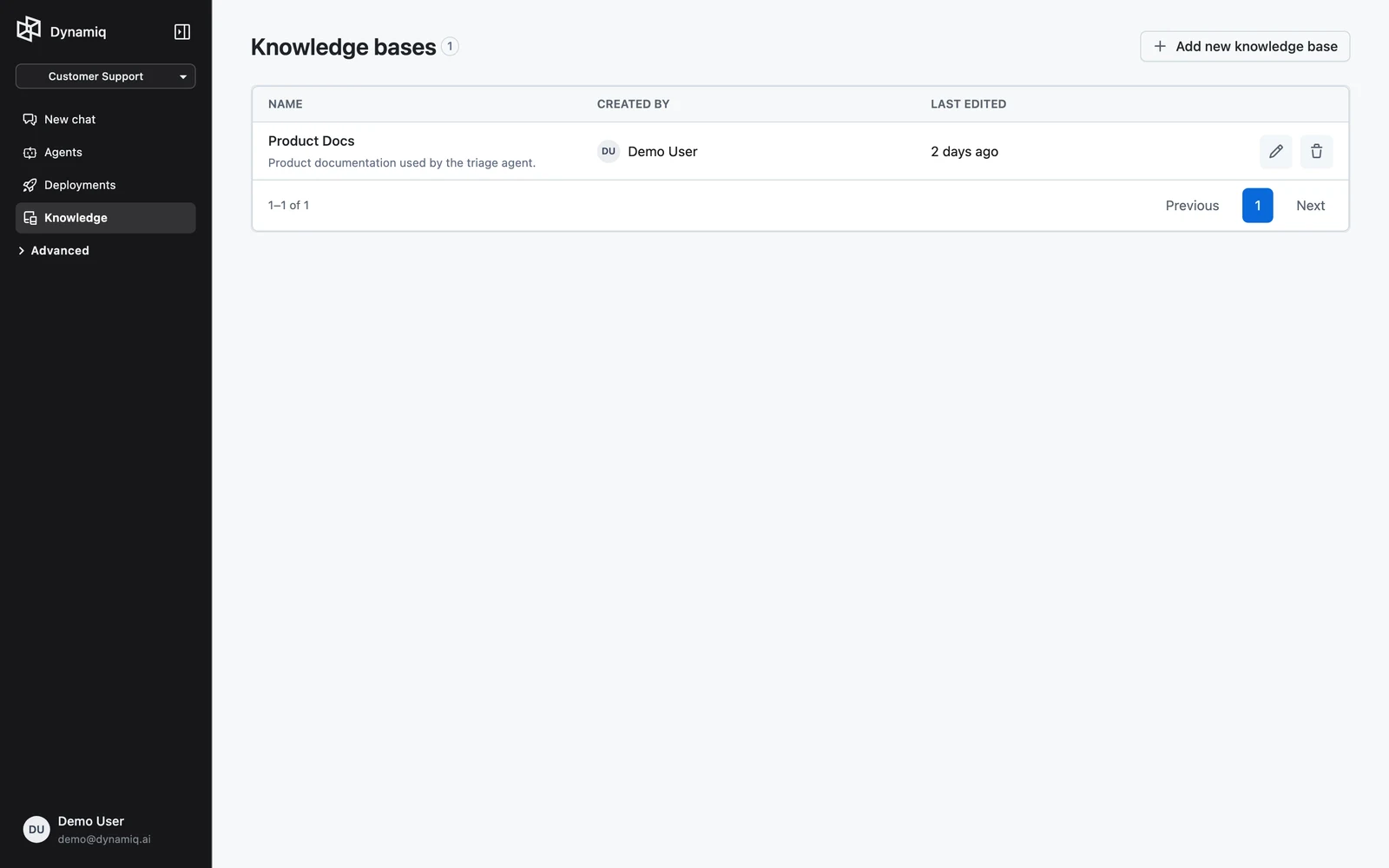
Knowledge Bases are project-scoped: they appear under Knowledge Bases inside a project, and agents in that project can attach them as tools.
Ingestion vs. retrieval
The two halves of a Knowledge Base run at different times and answer different questions:
| Ingestion | Retrieval | |
|---|---|---|
| When it runs | When you upload files, a connected source syncs, or you reprocess items | When an agent, workflow, or API client searches the Knowledge Base |
| What it does | Convert files → split into chunks → embed → write vectors | Embed the query → vector search → return top matching chunks |
| Where you see it | Files tab (item statuses, per-file traces), Workflow tab (the pipeline) | Retrieval tab (endpoint sample), agent run traces |
The default ingestion workflow is organized into four stages on the canvas:
- Pre-processing — a multi-file converter routes each file to the right converter (PDF, DOCX, PPTX, text, and LLM-based image extraction, with an unstructured-file fallback), producing documents.
- Chunking — a document splitter cuts documents into chunks by character, word, sentence, page, passage, or title.
- Vectorization — a document embedder (Cohere
embed-v4.0by default) turns each chunk into a vector. - Storage — a vector store writer upserts the vectors; the workflow outputs the upserted count.
Every uploaded file becomes a Knowledge Base item that moves through Pending → Processing → Processed (or Failed), and each item keeps a full execution trace so you can debug exactly how it was converted and chunked. See Data Sources for the Files tab and source syncing.
Where the content comes from
You can fill a Knowledge Base three ways, all covered in Data Sources:
- Direct upload — add files on the Files tab, or push them programmatically to the Knowledge Base's ingestion endpoint.
- Website crawling — point a Website integration at a URL with crawl depth and path filters.
- Service integrations — sync files from Google Drive, Notion, Dropbox, Microsoft OneDrive, Microsoft SharePoint, or Box over OAuth, or from Confluence via an Atlassian API-token Connection, with pause/resume and on-demand sync.
How it becomes an agent tool
A Knowledge Base plugs into an Agent node as a Knowledge Base Retriever tool. In the Agent node's configuration, click Add knowledge, pick the Knowledge Base, and set retrieval parameters such as Max documents, hybrid search, filters, and a similarity threshold. At run time the agent decides — guided by the tool's description — when a step needs grounded knowledge, queries the retriever, and uses the returned chunks in its reasoning.
The same retriever is also available as a standalone workflow node (Knowledge Base Retriever, under VECTOR STORES in the node menu) for deterministic RAG pipelines that always retrieve before generating. Both paths are covered in Connect a Knowledge Base to Agents.
Direct HTTP access
Because each Knowledge Base has its own hostname, anything that can make an HTTP request can use it — no agent required:
curl -X POST "https://<your-kb-hostname>/v1/documents/search" \
  -H "Authorization: Bearer $DYNAMIQ_ACCESS_KEY" \
  -H "Content-Type: application/json" \
  -d '{"query": "Onboarding procedures documentation", "limit": 10}'
The same hostname accepts multipart file uploads for ingestion. Full request and response shapes are documented in Knowledge Base API.
Next steps
WebSocket Transport
Stream raw audio to a Dynamiq voice agent over a single WebSocket — the full message protocol, audio formats, and a runnable client.
Create a Knowledge Base
Create a Knowledge Base with your choice of splitter settings, embedding provider, and vector store — Dynamiq generates the ingestion workflow for you.