Build a RAG Pipeline
An end-to-end worked example: create a Knowledge Base, ingest files and a website, verify retrieval, attach it to an agent, deploy, and call it over HTTP.
This walkthrough builds a complete retrieval-augmented generation pipeline on Dynamiq: an HR assistant that answers questions from a handbook PDF and your careers website. By the end you'll have a deployed App you can query with curl, grounded in your own documents.
What you'll build
Files + website ──> Knowledge Base (convert → chunk → embed → store)
                                            │
User question ──> App ──> Agent node ──> Knowledge Base Retriever
                              │
                              └──> grounded answer
Create the Knowledge Base
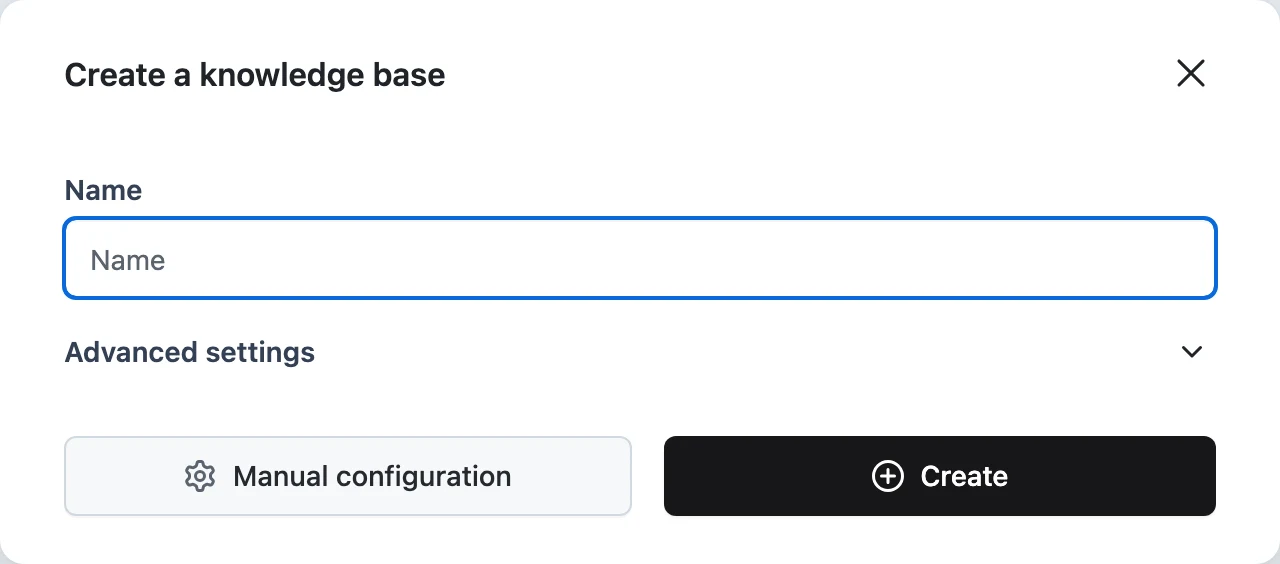
In your project, open Knowledge Bases and create one named hr-handbook. The defaults — character splitting, Cohere embeddings, managed vector storage — are fine to start; the full set of options is covered in Create a Knowledge Base.
Upload documents
On the Files tab, upload your handbook PDF (and anything else: DOCX, PPTX, images, Markdown). Each file becomes an item that moves Pending → Processing → Processed. Click a filename to see its ingestion trace if anything fails.
You can do the same over HTTP — every Knowledge Base has its own hostname that accepts multipart uploads:
curl -X POST "https://<your-kb-hostname>" \
  -H "Authorization: Bearer $DYNAMIQ_ACCESS_KEY" \
  -F "files=@handbook.pdf" \
  -F 'input={"metadata": [{"department": "hr"}]}'
The metadata lands on every chunk from that file, so retrieval can filter on it later.
Add a website source
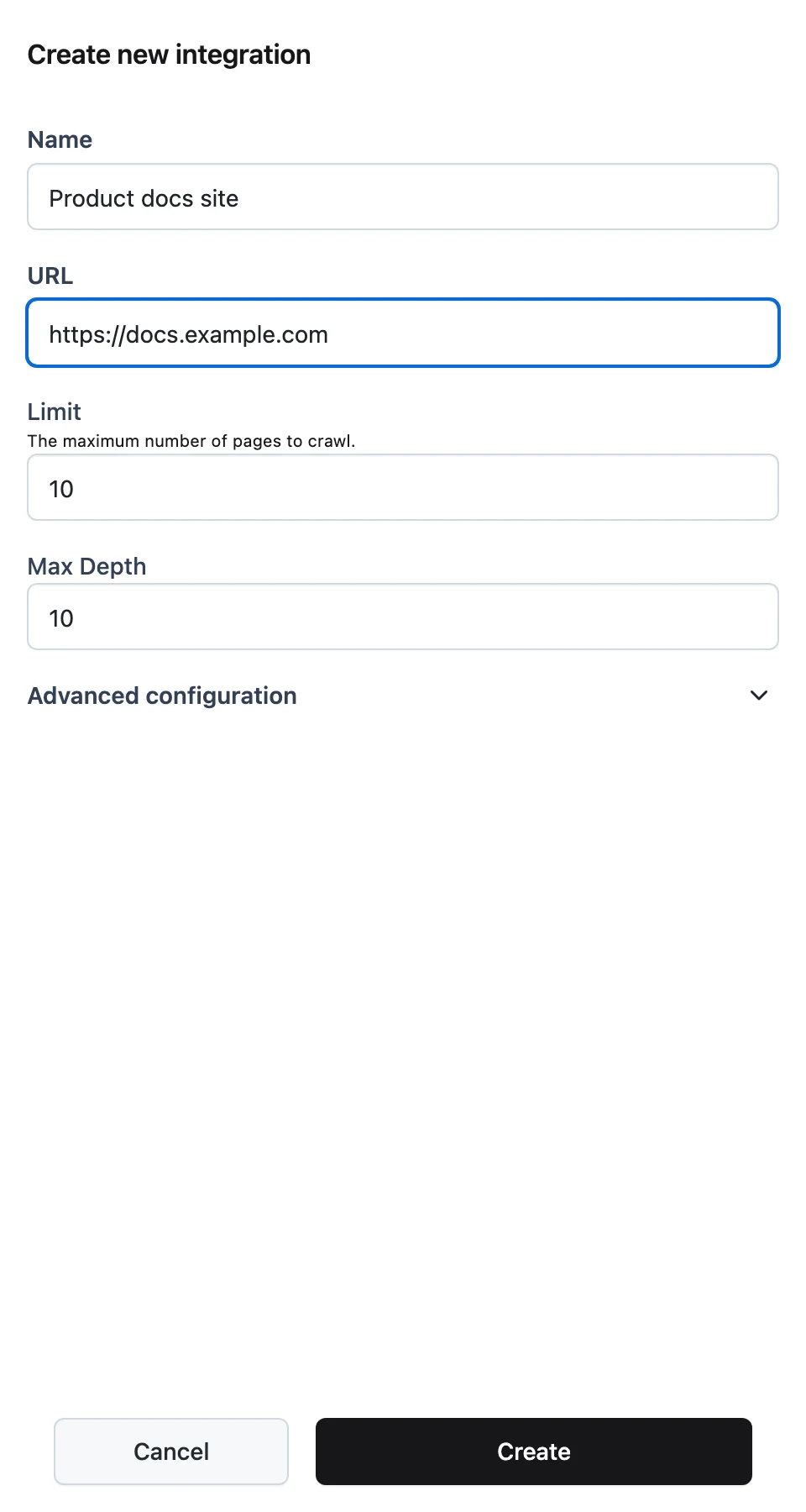
On the Integrations tab, add a Website integration pointing at your careers site — set the URL, a page Limit, and Max Depth, then save and click Sync. Crawled pages appear on the Files tab attributed to the source. Data Sources covers crawl filters and OAuth sources like Google Drive and Notion.
Verify retrieval
Before involving any agent, query the Knowledge Base directly:
curl -X POST "https://<your-kb-hostname>/v1/documents/search" \
  -H "Authorization: Bearer $DYNAMIQ_ACCESS_KEY" \
  -H "Content-Type: application/json" \
  -d '{"query": "How much parental leave do employees get?", "limit": 5}'
Read the returned chunks and scores. If chunks cut off mid-sentence or mix topics, tune the splitter (split by, length, overlap) and reprocess — Chunking & Embedding explains the trade-offs, and Search & Test shows how to read the results. Don't move on until direct search returns the right passages: an agent can't fix bad retrieval.
Build the agent workflow
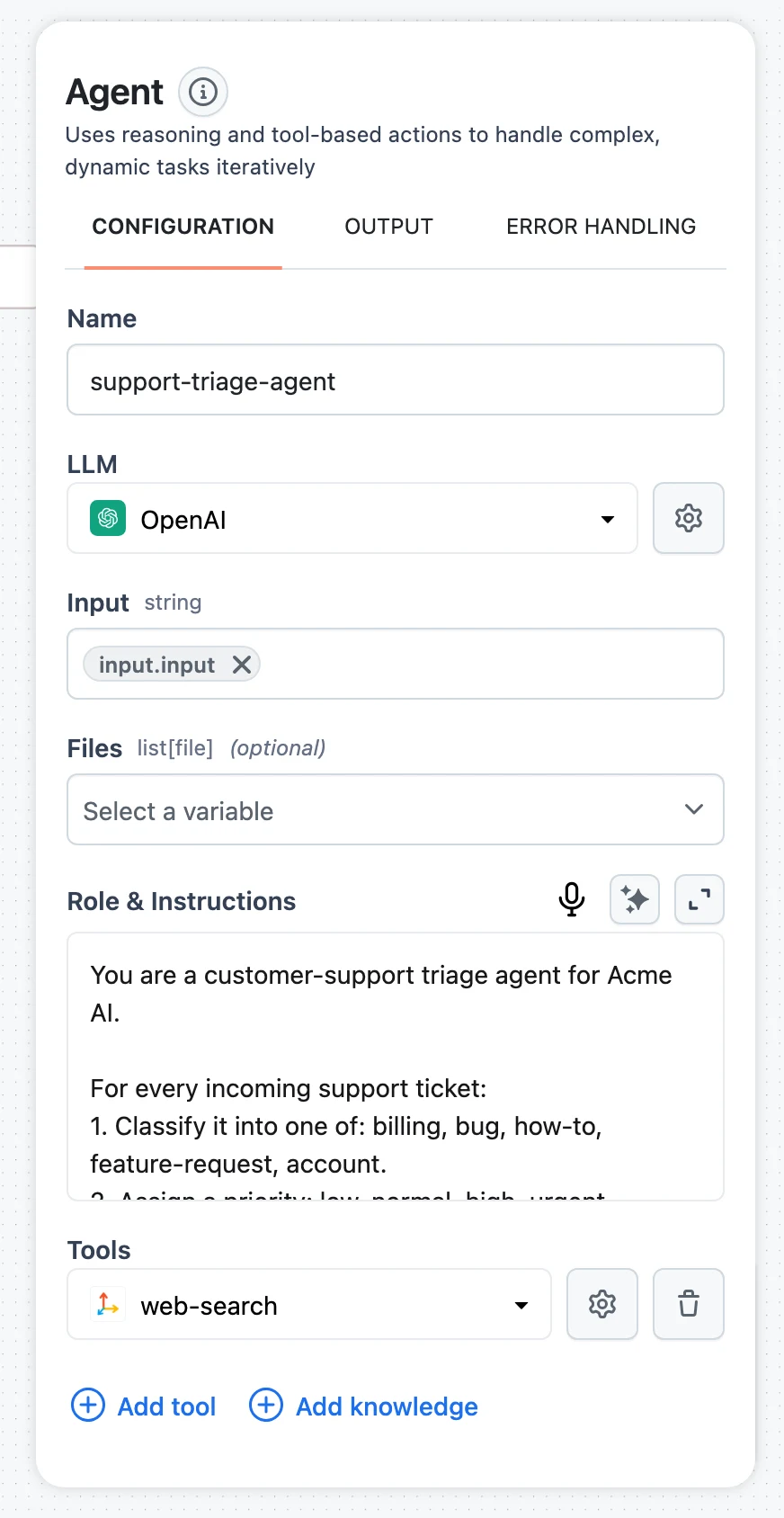
Create a workflow with an Agent node, and give the workflow's Input node a question field. On the Agent node, click Add knowledge and select hr-handbook. In the retriever's configuration, write a specific Description — it's how the agent decides when to search:
Searches the company HR handbook and careers site for policies, benefits, leave, and hiring information.
Set Max documents (the default 15 is generous; 5–8 keeps context lean) and add a metadata filter like department = hr if the Knowledge Base holds mixed content. Full parameter reference: Connect a Knowledge Base to Agents.
Test in the editor
Click Test and ask a question the documents can answer. In the run trace, expand the agent's steps: you should see it call the Knowledge Base Retriever with a search query and receive chunks before composing the answer. If it answers from general knowledge without searching, sharpen the tool Description. See Testing and debugging workflows.
Deploy as an App
Save the workflow and deploy it — Deploy a Workflow App walks through it. The App gets its own hostname, shown on the App page.
Call it over HTTP
Ask your deployed assistant a question grounded in the uploaded files:
curl -X POST "https://<your-app-hostname>" \
  -H "Content-Type: application/json" \
  -H "Authorization: Bearer $DYNAMIQ_ACCESS_KEY" \
  -d '{
    "input": {
      "question": "How much parental leave do employees get, and how do I request it?"
    },
    "stream": false
  }'
The response is the agent's answer composed from retrieved handbook chunks. Add "stream": true for token-by-token SSE output — the full contract (streaming, async callbacks, error codes) is in Call Your App over HTTP. Meanwhile, new files uploaded to the Knowledge Base become searchable as soon as they're processed — no redeployment needed.
Evaluate it
Spot checks don't scale. Build a dataset of question/expected-answer pairs and run evaluations against the deployed pipeline to measure answer quality as you iterate on chunking, retrieval parameters, and prompts — start with the Evaluations overview, Datasets, and Metrics. To score retrieval itself — whether the right documents came back — expose the retriever's output to your metrics as described in Score intermediate results.
Where to go from here
- Quality: revisit splitter settings against real failure cases, and consider hybrid search or a similarity threshold on the retriever.
- Freshness: connect OAuth sources so the Knowledge Base syncs itself — see Data Sources.
- Custom ingestion: add rankers or custom converters to the pipeline in Customize the Ingestion Workflow.
Next steps
Vector Store Search vs Knowledge Base
When to use a managed Knowledge Base and when to query your own vector store directly with Vector Store Search and Writer nodes.
Knowledge Base API
The full HTTP contract of a Knowledge Base's hostname — multipart ingestion, item reprocess and delete, and the documents search endpoint.