Model Inference Deployments
Deploy open-source models on vLLM or LoRAX runtimes and call them through OpenAI-compatible chat, embeddings, and audio endpoints.
An AI Model deployment serves an open-source model — for text generation, embeddings, or speech-to-text — behind an OpenAI-compatible HTTP endpoint with its own hostname. Dynamiq runs the model on a vLLM or LoRAX inference engine on the platform's Kubernetes infrastructure, so you pick a model, a runtime, and a resource profile, and get a production endpoint without managing GPUs yourself.
When to use one
- You want to run an open model (Llama 3, Gemma, Mistral, Qwen, and others from the model catalog) instead of a hosted provider — for cost, privacy, or fine-tuning reasons.
- You need an embedding model close to your data, or a speech-to-text model behind a private endpoint.
- You fine-tuned LoRA adapters on Dynamiq and want to serve them dynamically over a shared base model (the LoRAX engine).
If you want to deploy an AI workflow rather than a raw model, see Deploy a Workflow App.
Create an inference deployment
Pick the AI Model type
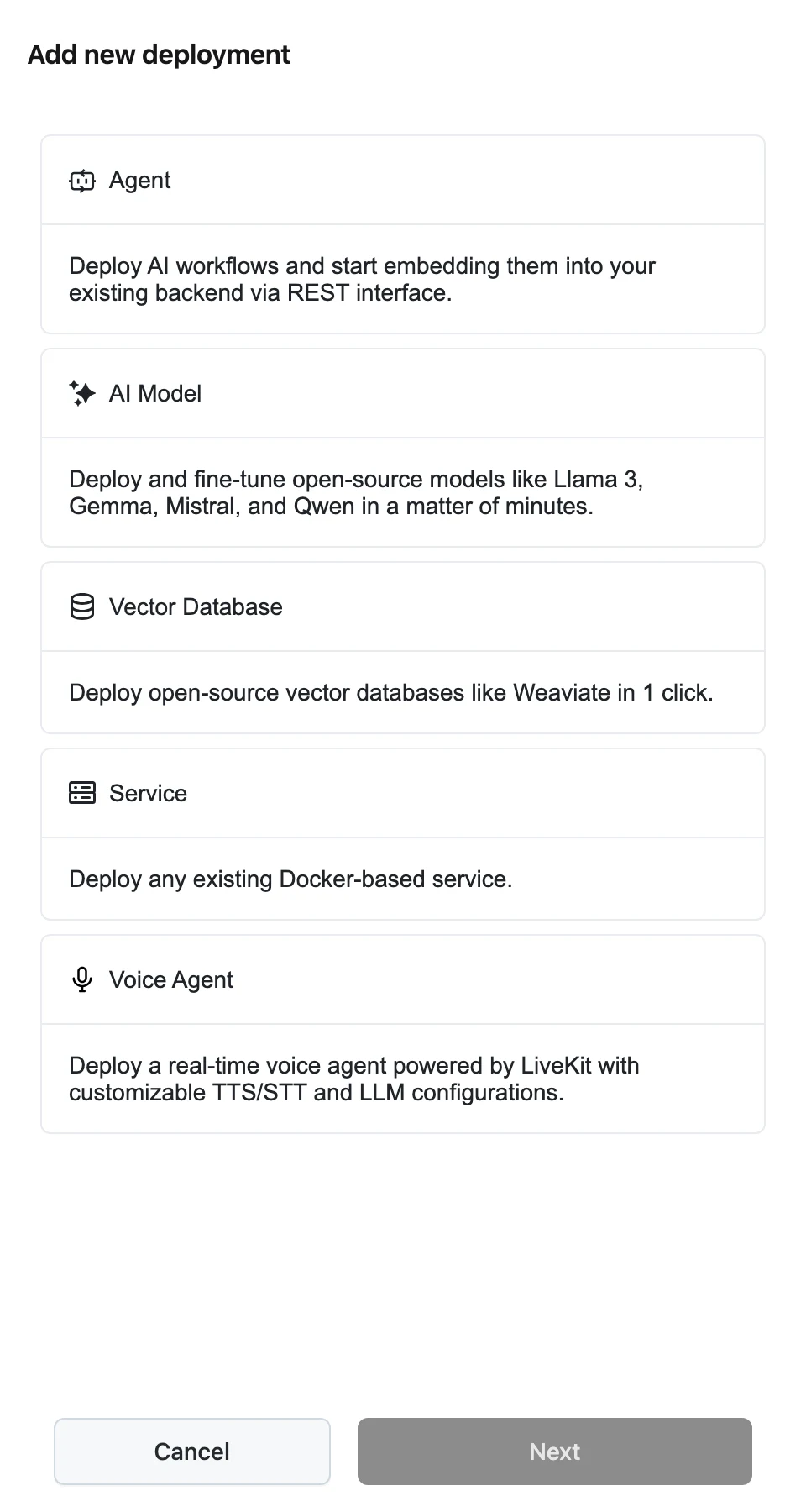
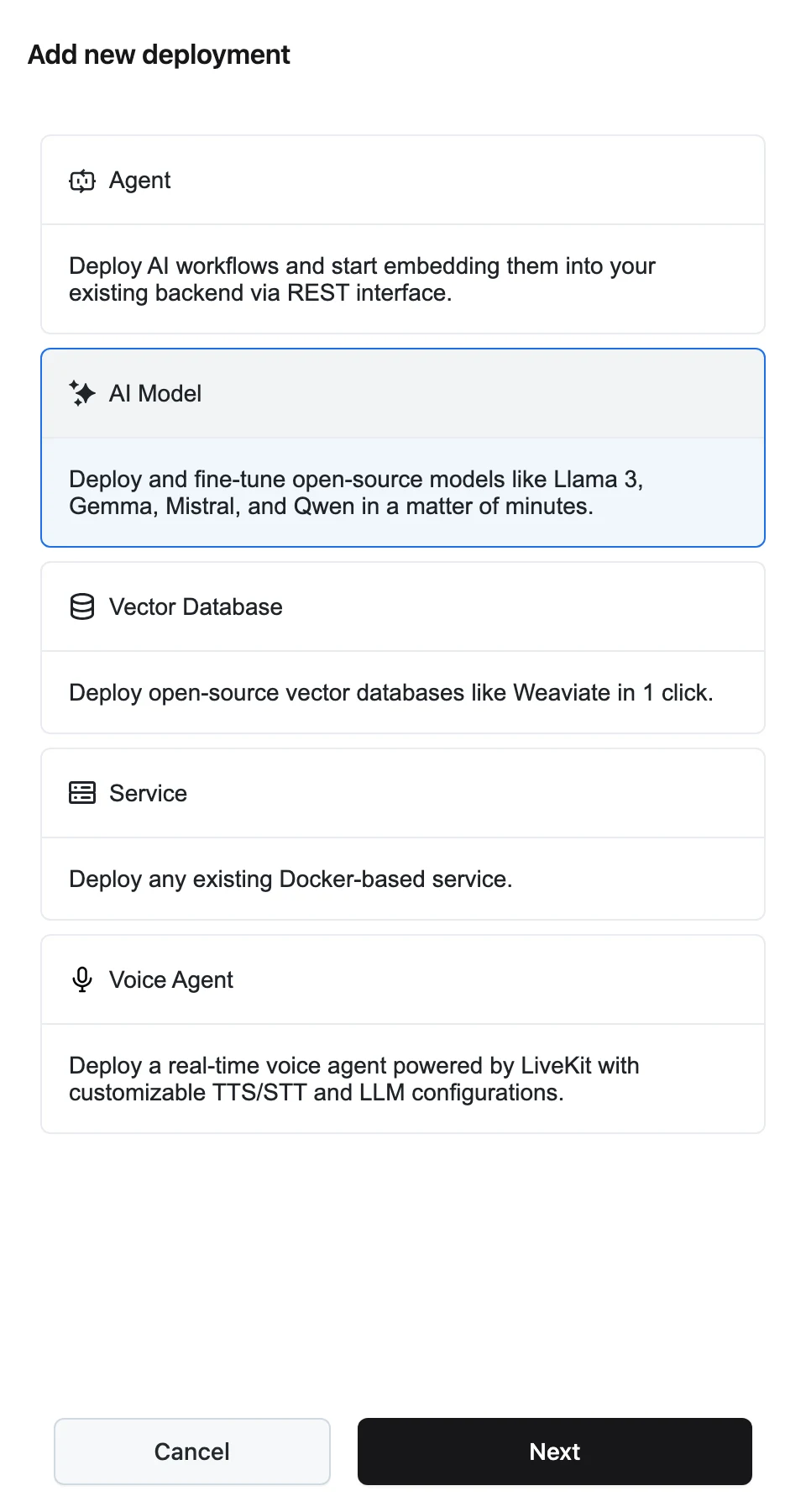
On the Deployments page, click Add new deployment, select AI Model ("Deploy and fine-tune open-source models like Llama 3, Gemma, Mistral, and Qwen in a matter of minutes."), and click Next.
Fill in the deployment form
The Add new deployment panel asks for:
- Name and Description.
- Task — Text Generation, Embedding, or Speech to Text. This filters the model list and decides which endpoint the deployment serves.
- Model — an open-source model from the catalog that supports the selected task.
- Runtime — the inference runtime (engine image and version) to serve the model on. Only runtimes that support the selected model are listed; the first one is preselected.
- Resource profile — the compute (including GPU count) the model runs on.
- Replica Autoscaling — Min and Max replica counts (1 up to 10). Dynamiq scales replicas between them based on load.
- Advanced configuration — engine parameters. For vLLM: Max Model Length (model context length; derived from the model config if unspecified), Max Number of Batched Tokens, and Quantization.
Deployments created in the UI use the vLLM engine. The LoRAX engine — which serves fine-tuned LoRA adapters dynamically over a base model — is available through the API ("engine": "lorax").
Create
Click Create. You see an "LLM model was created" confirmation and land on the inference page. The deployment starts in pending status while the model downloads and loads — large models can take many minutes — and serves traffic once it is running (a deployment that cannot start shows failed).
The inference page
The header shows the deployment's name, status, Resource profile, Hostname (with a copy button — this is the base of every API call), Model (the exact model name), Type (LLM), and Deployed by, plus a delete action.
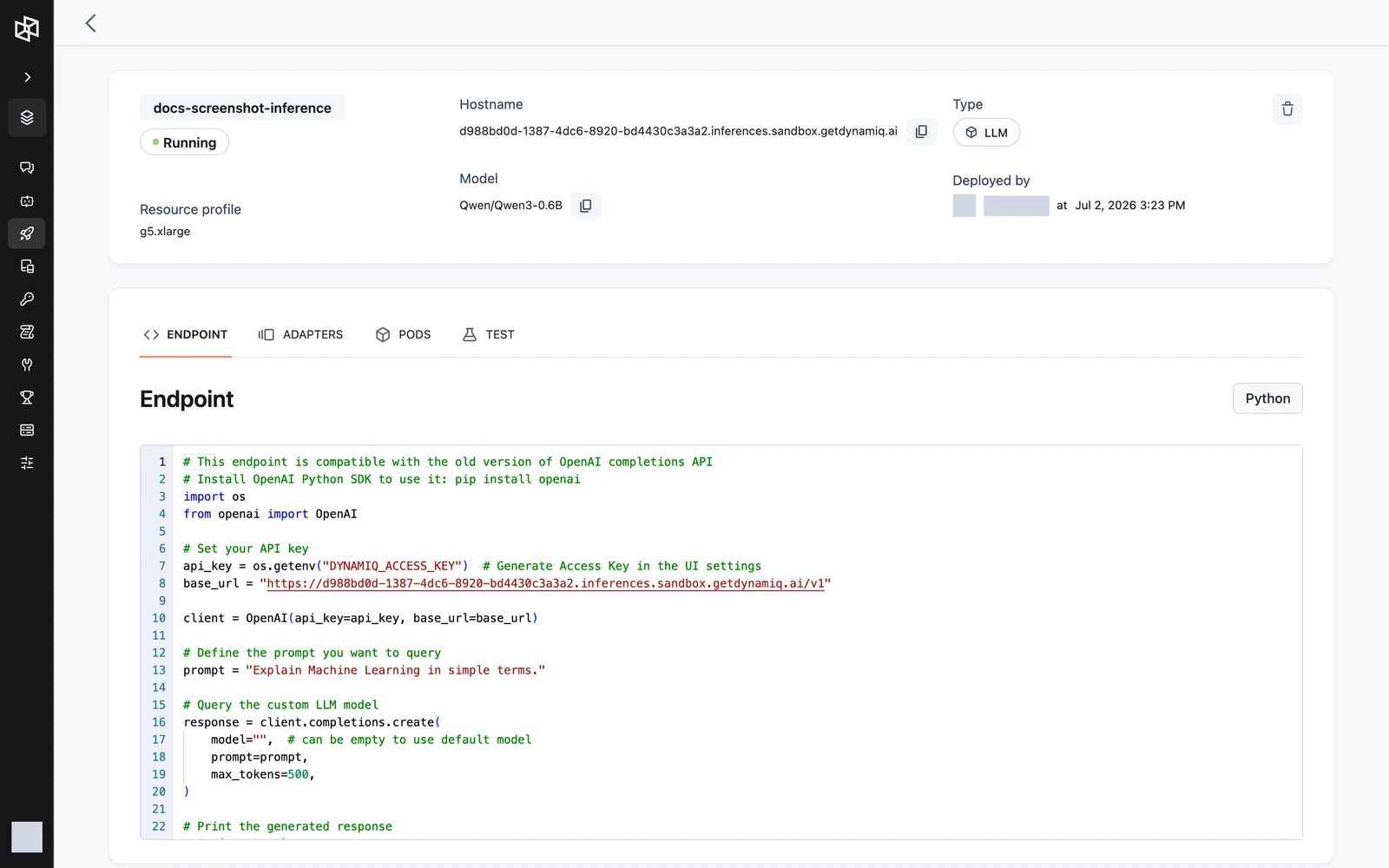
Four tabs sit below the header:
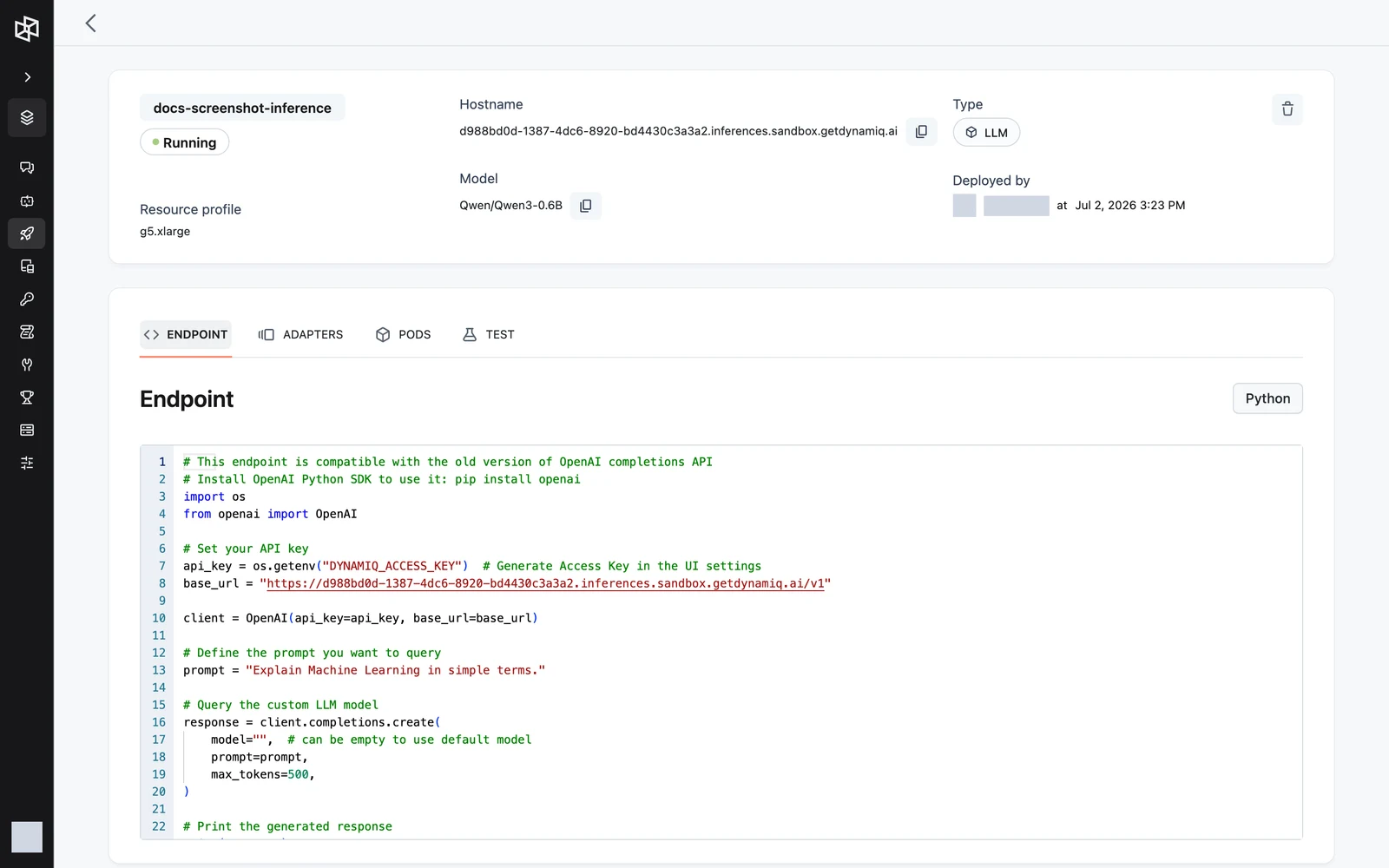
- ENDPOINT — a ready-to-copy Python snippet for calling the deployment with the OpenAI SDK, prefilled with your hostname and matched to the deployment's task.
- ADAPTERS — fine-tuned LoRA adapters available for the deployed base model, with columns NAME, STATUS, ALIAS, CREATED BY, and CREATION DATE.
- PODS — the pods currently backing the deployment, with live logs.
- TEST — run the model from the browser: a chat prompt for text generation, a text field for embeddings, or an audio upload for speech-to-text.
Call it with the OpenAI SDK
The deployment's hostname exposes an OpenAI-compatible API under /v1. Point any OpenAI client at it by swapping base_url and using an Access Key (org- or project-scoped; a project-scoped key must belong to the deployment's project) as the API key:
curl -X POST "https://<your-inference-hostname>/v1/chat/completions" \
  -H "Authorization: Bearer $DYNAMIQ_ACCESS_KEY" \
  -H "Content-Type: application/json" \
  -d '{
    "model": "",
    "messages": [{"role": "user", "content": "Explain Machine Learning in simple terms."}]
  }'
import os
from openai import OpenAI
client = OpenAI(
api_key=os.getenv("DYNAMIQ_ACCESS_KEY"),
base_url="https://<your-inference-hostname>/v1",
)
response = client.chat.completions.create(
model="", # can be empty to use the deployed model
messages=[{"role": "user", "content": "Explain Machine Learning in simple terms."}],
)
print(response.choices[0].message.content)import OpenAI from "openai";
const client = new OpenAI({
apiKey: process.env.DYNAMIQ_ACCESS_KEY,
baseURL: "https://<your-inference-hostname>/v1",
});
const response = await client.chat.completions.create({
model: "",
messages: [{ role: "user", content: "Explain Machine Learning in simple terms." }],
});
console.log(response.choices[0].message.content);Requests are proxied to the engine unmodified, so everything the engine's OpenAI-compatible server supports (streaming, sampling parameters, and so on) works as-is. The model field can be an empty string — the deployment serves exactly one model. Base-model deployments without a chat template also accept the legacy /v1/completions endpoint.
Embedding deployments
For a deployment with the Embedding task, use the Embeddings API on the same base URL:
import os
from openai import OpenAI

client = OpenAI(
    api_key=os.getenv("DYNAMIQ_ACCESS_KEY"),
    base_url="https://<your-inference-hostname>/v1",
)

response = client.embeddings.create(
    input="Your text string goes here",
    model="",
)
print(response.data[0].embedding)
Speech-to-text deployments
For a deployment with the Speech to Text task, use the Audio API — /v1/audio/transcriptions for transcription, /v1/audio/translations for translation to English:
import os
from openai import OpenAI

client = OpenAI(
    api_key=os.getenv("DYNAMIQ_ACCESS_KEY"),
    base_url="https://<your-inference-hostname>/v1",
)

with open("audio.mp3", "rb") as audio_file:
    response = client.audio.transcriptions.create(model="", file=audio_file)
print(response.text)
Creating an inference deployment also creates a system-managed HTTP API Key Connection in the same project, pointing at https://<your-inference-hostname>/v1, so workflow nodes can call the model without you wiring credentials by hand.
LoRAX and fine-tuned adapters
A LoRAX deployment serves a base model and can load fine-tuned LoRA adapters for it on demand — no separate deployment per adapter. The ADAPTERS tab lists the adapters trained (via fine-tuning) on the deployed base model, including each adapter's ALIAS.
To route a request to an adapter, set model to dynamiq/adapters/<adapter-alias> on /v1/chat/completions or /v1/completions:
response = client.chat.completions.create(
    model="dynamiq/adapters/my-support-tone-v2",
    messages=[{"role": "user", "content": "Draft a reply to this ticket."}],
)
Dynamiq resolves the alias to the adapter's stored weights and instructs LoRAX to load them. The adapter must belong to the same project as the deployment. Any other model value (including empty) hits the base model.
The Adapters tab listing fine-tuned adapters with name, status, alias, creator, and creation date
screenshot: deployments-inference-adapters-tab
Pods and logs
The PODS tab lists the pods currently backing the deployment with their status (for example running or pending — one pod per replica). Expand a pod to stream its live logs, which is the fastest way to watch a model download and load, or to debug an engine crash.
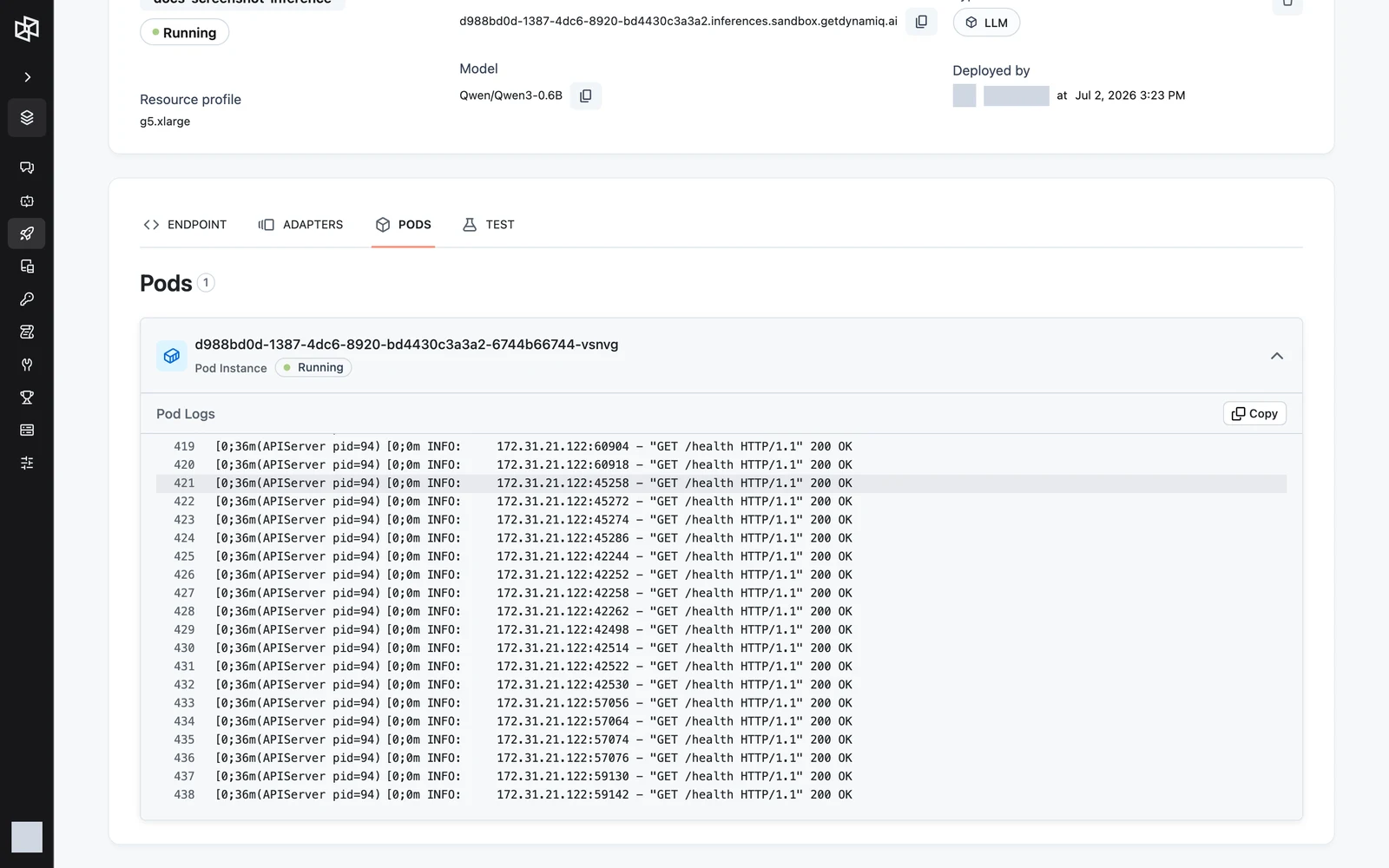
The same data is available on the management API: GET /v1/inferences/{inference_id}/pods returns pod names and statuses, and GET /v1/inferences/{inference_id}/pods/{pod_name}/logs streams plain-text logs (the last 1000 lines, then follows).
Manage via the management API
Inference deployments are managed on https://api.getdynamiq.ai with a Personal Access Token:
| Method & path | What it does |
|---|---|
GET /v1/inferences?project_id={id} | List inference deployments in a project |
POST /v1/inferences | Create a deployment |
GET /v1/inferences/{inference_id} | Get one deployment |
PUT /v1/inferences/{inference_id} | Update (changing model, runtime, resource profile, engine, parameters, or autoscaling redeploys) |
DELETE /v1/inferences/{inference_id} | Delete the deployment |
GET /v1/inference-runtimes?engine={vllm|lorax}&model_id={id} | List active runtimes, optionally filtered by engine or supported model |
GET /v1/models?task={task} | List catalog models, optionally filtered by task |
GET /v1/resource-profiles?purpose=inference | List resource profiles usable for inference |
POST /v1/inferences/{inference_id}/chat/completions | OpenAI-compatible proxy (also /embeddings, /audio/transcriptions, /audio/translations) |
The proxy routes forward your request body to the engine and only work while the deployment status is running. They authenticate with your Personal Access Token, which is convenient for server-side scripts; client applications should call the deployment hostname with an Access Key instead.
POST /v1/inferences takes:
namestringrequireddescriptionstringproject_iduuidrequiredmodel_iduuidrequiredresource_profile_iduuidrequiredinference_runtime_iduuidrequiredenginestringrequiredtaskstringrequiredautoscalingobjectrequiredparametersobjectrequiredparameters depends on engine. For vLLM: max_model_len, max_num_batched_tokens (both optional, ≥ 1), and quantization (one of aqlm, awq, deepspeedfp, tpu_int8, fp8, fbgemm_fp8, marlin, gguf, gptq_marlin_24, gptq_marlin, awq_marlin, gptq, squeezellm, compressed-tensors, bitsandbytes, qqq, experts_int8, neuron_quant). For LoRAX: max_batch_total_tokens (required, ≥ 1), optional max_input_length, max_total_tokens, max_batch_prefill_tokens, and quantize (one of bitsandbytes, bitsandbytes-fp4, bitsandbytes-nf4, awq, gptq, eetq, hqq-4bit, hqq-3bit, hqq-2bit).
curl -X POST "https://api.getdynamiq.ai/v1/inferences" \
  -H "Authorization: Bearer $DYNAMIQ_PERSONAL_ACCESS_TOKEN" \
  -H "Content-Type: application/json" \
  -d '{
    "name": "llama-chat",
    "project_id": "11111111-1111-1111-1111-111111111111",
    "model_id": "22222222-2222-2222-2222-222222222222",
    "resource_profile_id": "33333333-3333-3333-3333-333333333333",
    "inference_runtime_id": "44444444-4444-4444-4444-444444444444",
    "engine": "vllm",
    "task": "text_generation",
    "autoscaling": {"min_replicas": 1, "max_replicas": 2},
    "parameters": {"max_model_len": 8192}
  }'
The response includes the deployment's id, hostname, and status.
Where it runs
Each inference deployment runs on the platform's Kubernetes infrastructure as a dedicated Deployment, ClusterIP Service, and HorizontalPodAutoscaler that scales between your min and max replicas at an 80% average-CPU target. The GPU count of the resource profile sets vLLM's --tensor-parallel-size (or enables LoRAX sharding when greater than 1), and the startup probe allows up to 30 minutes for the model to download and load before a replica is considered failed. You don't manage any of these objects directly — the PODS tab and the pods API are your window into them.