Map Node
Run one node once per item of a list — fan-out with optional concurrency, failure behavior, and a predictable list output.
The Map node takes a list and runs a single configured inner node once per item — an LLM call per document, an agent per ticket, a Python function per record. Iterations can run sequentially or in parallel, and the results come back as one ordered list, so a Map is the standard fan-out/fan-in primitive in Dynamiq workflows.
How it works
- Input — one required field,
input, which must be a list of objects. Each object becomes the full input of one inner-node run. - Execution — the inner node is cloned per item (with fresh internal ids, so each iteration appears separately in the trace), and the clones run over the list, in parallel up to the concurrency limit.
- Output — a single
outputfield: the list of inner-node outputs, in the same order as the input items.
// input
{ "input": [ { "ticket": "Printer is on fire" }, { "ticket": "Reset my password" } ] }

// output (inner node = an LLM)
{ "output": [ { "content": "..." }, { "content": "..." } ] }
Configure a Map on the canvas
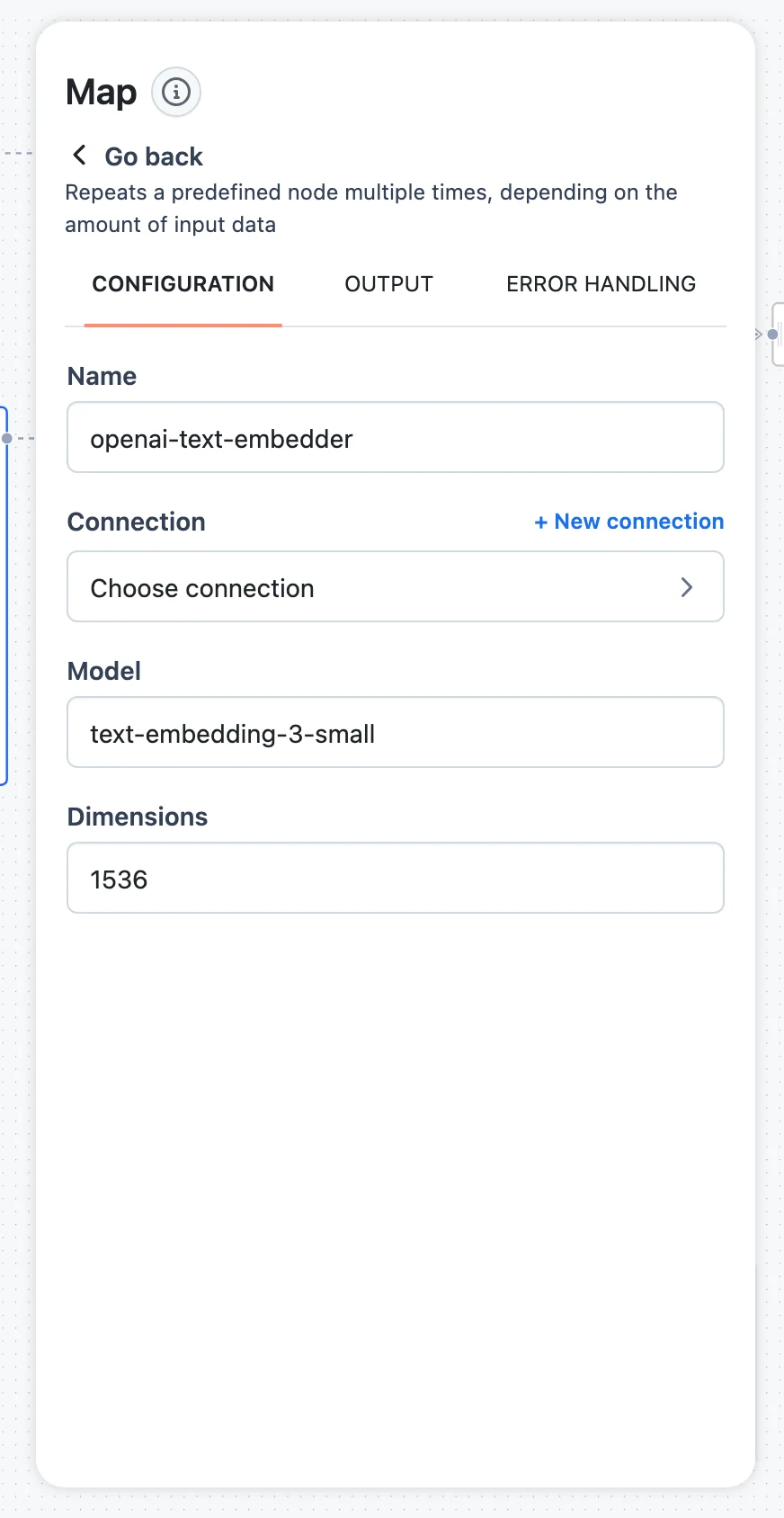
Add the node and pick what it runs
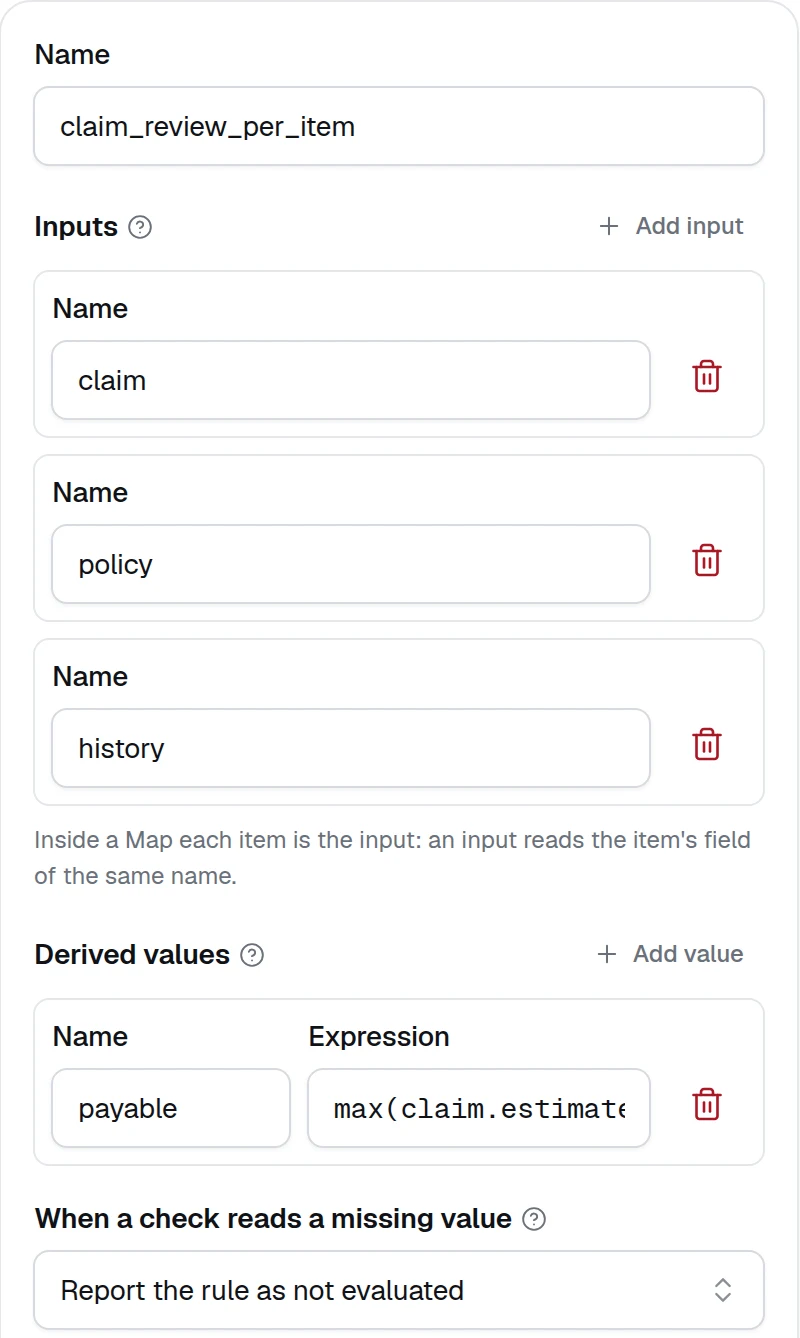
Drag Map from the LOGIC section of the node palette onto the canvas. In its configuration panel, the Node selector chooses the inner node — any node type is allowed. Use the gear icon next to it to open and configure the inner node exactly as you would a standalone node. A Rules node, a Decision Table or an Expression runs per item too — a claim, an invoice or a file at a time: inside a Map their inputs need no source, since each item is the input and an input reads the item's field of the same name, and the By rule view of the test cases counts every item.
Map the input list
In the Input field, select the upstream variable that holds your list (press / to open the variable picker), for example:
$.split-tickets.output.itemsThe value must be a list of objects. If your upstream data is a plain list of strings, wrap each entry first — see Shaping items below.
Choose failure behavior and concurrency
Behavior controls what happens when one iteration fails:
raise— the whole Map node fails as soon as any iteration fails. Use when a partial result is useless.return— failed iterations don't stop the run; each iteration's output (including a failed one's) is kept in the output list. Use when you'd rather process what succeeded and inspect failures downstream.
Check Set concurrency limit to run iterations in parallel and set Max workers (1–100; the field defaults to 10 when enabled). Leave it unchecked to run items one at a time. Parallel iterations multiply your LLM provider's request rate — size the limit against your rate limits.
Shaping items for the inner node
Each list item is passed to the inner node as its entire input, so the item's keys must match what the inner node expects:
- Inner LLM node — item keys are available to the prompt's Jinja template. With items like
{"ticket": "..."}, write{{ ticket }}in the prompt. - Inner Agent node — agents take an
inputstring, so shape items as{"input": "Classify this ticket: ..."}. - Inner Python node — with Multiple params enabled (the default), item keys arrive as named function arguments:
def run(ticket, **kwargs).
When the upstream output isn't already in that shape, put a small Python node before the Map to reshape it:
def run(tickets, **kwargs):
    # tickets: ["Printer is on fire", "Reset my password", ...]
    return {"items": [{"input": f"Classify this support ticket: {t}"} for t in tickets]}
…then map the Map node's Input to $.reshape.output.items. This is the standard nested-mapping pattern: reshape once, iterate cleanly.
Fan-out / fan-in example
A complete pattern — split, process per item, aggregate:
- Python node
reshape— turns the raw input into a list of{"input": ...}items (code above). - Map node — inner node is an Agent that classifies one ticket; Input is
$.reshape.output.items; Behaviorreturn; Max workers 10. - Python node
aggregate— fans the results back in:
def run(results, **kwargs):
    # results: $.map.output — one entry per ticket, in input order
    labels = [r.get("content", "unclassified") for r in results]
    return {"labels": labels, "total": len(labels)}
Map results to $.map.output. Because Map preserves input order, labels[i] always corresponds to ticket i — no correlation bookkeeping needed.
SDK equivalent
from dynamiq import Workflow
from dynamiq.connections import OpenAI as OpenAIConnection
from dynamiq.flows import Flow
from dynamiq.nodes import Behavior
from dynamiq.nodes.llms import OpenAI
from dynamiq.nodes.operators import Map
from dynamiq.prompts import Message, Prompt

classifier = OpenAI(
    name="ticket-classifier",
    model="gpt-4o-mini",
    connection=OpenAIConnection(),
    prompt=Prompt(
        messages=[
            Message(role="user", content="Classify this support ticket: {{ ticket }}"),
        ],
    ),
)

workflow = Workflow(
    flow=Flow(
        nodes=[Map(node=classifier, behavior=Behavior.RETURN, max_workers=10)],
    ),
)

result = workflow.run(
    input_data={
        "input": [
            {"ticket": "Printer is on fire"},
            {"ticket": "Reset my password"},
        ]
    }
)
In the SDK, max_workers defaults to 1 (sequential) and behavior defaults to Behavior.RETURN.
Pitfalls
Graph Orchestrator
Build agentic state machines — states, tasks, edges, conditional routing, and shared context — on the canvas and in the Python SDK, with a complete worked example.
Choice Node
Branch a workflow deterministically — condition rules, operators, AND/OR groups, one labeled output per branch, and the default else branch.